Question 51
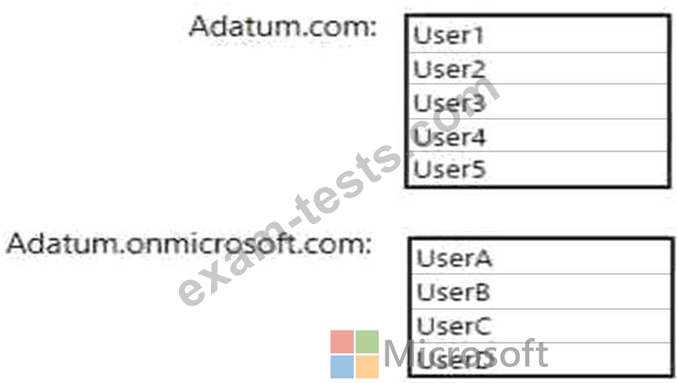
You network contains an Active Directory domain named adatum.com and an Azure Active Directory (Azure AD) tenant named adatum.onmicrosoft.com.
Adatum.com contains the user accounts in the following table.

Adatum.onmicrosoft.com contains the user accounts in the following table.

You need to implement Azure AD Connect. The solution must follow the principle of least privilege.
Which user accounts should you use? To answer, select the appropriate options in the answer area.
NOTE: Each correct selection is worth one point.
Adatum.com contains the user accounts in the following table.
Adatum.onmicrosoft.com contains the user accounts in the following table.
You need to implement Azure AD Connect. The solution must follow the principle of least privilege.
Which user accounts should you use? To answer, select the appropriate options in the answer area.
NOTE: Each correct selection is worth one point.

Question 52
You have an Azure subscription named Subscription1 that includes an Azure File share named share1.
You create several Azure virtual machines in Subscription1. All of the virtual machines belong to the same virtual network.
You have an on-premises Hyper-V server named Server1. Server1 hosts a virtual machine named VM1.
You plan to replicate VM1 to Azure.
You need to create additional objects in Subscription1 to support the planned deployment.
Which three objects should you create? Each correct answer presents part of the solution.
NOTE: Each correct selection is worth one point.
You create several Azure virtual machines in Subscription1. All of the virtual machines belong to the same virtual network.
You have an on-premises Hyper-V server named Server1. Server1 hosts a virtual machine named VM1.
You plan to replicate VM1 to Azure.
You need to create additional objects in Subscription1 to support the planned deployment.
Which three objects should you create? Each correct answer presents part of the solution.
NOTE: Each correct selection is worth one point.
Question 53
You network contains an Active Directory domain that is synced to Azure Active Directory (Azure AD) as shown in the following exhibit.

You have a user account configured as shown in the following exhibit.

For each of the following statements, select Yes if the statement is true. Otherwise, select No.
NOTE: Each correct selection is worth one point.

You have a user account configured as shown in the following exhibit.
For each of the following statements, select Yes if the statement is true. Otherwise, select No.
NOTE: Each correct selection is worth one point.


Question 54
You create a container image named Image1 on a developer workstation.
You plan to create an Azure Web App for Containers named WebAppContainer that will use Image1.
You need to upload Image1 to Azure. The solution must ensure that WebAppContainer can use Image1.
To which storage type should you upload Image1?
You plan to create an Azure Web App for Containers named WebAppContainer that will use Image1.
You need to upload Image1 to Azure. The solution must ensure that WebAppContainer can use Image1.
To which storage type should you upload Image1?
Question 55
SIMULATION
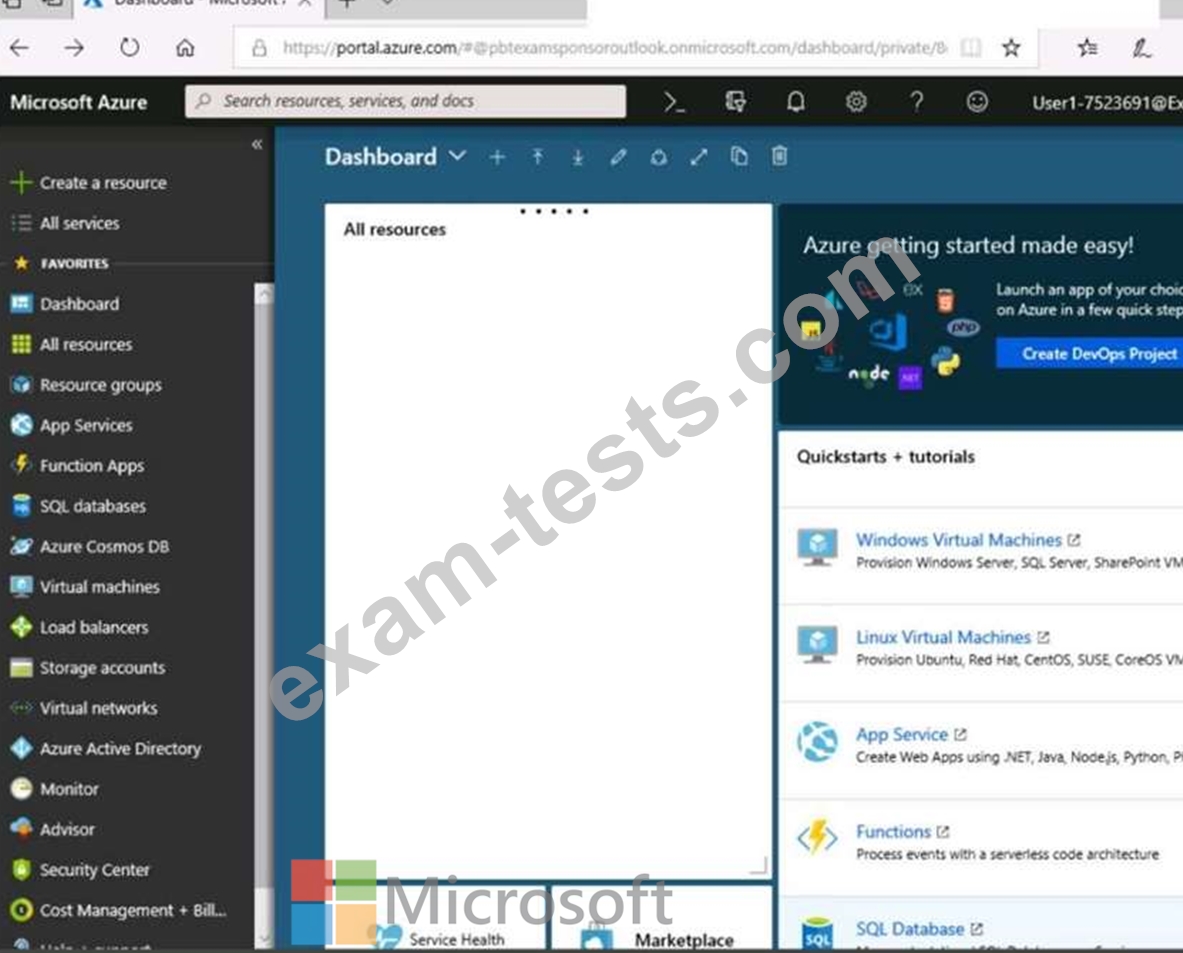
Click to expand each objective. To connect to the Azure portal, type https://portal.azure.com in the browser address bar.



When you are finished performing all the tasks, click the 'Next' button.
Note that you cannot return to the lab once you click the 'Next' button. Scoring occur in the background while you complete the rest of the exam.
Overview
The following section of the exam is a lab. In this section, you will perform a set of tasks in a live environment.
While most functionality will be available to you as it would be in a live environment, some functionality (e.g., copy and paste, ability to navigate to external websites) will not be possible by design.
Scoring is based on the outcome of performing the tasks stated in the lab. In other words, it doesn't matter how you accomplish the task, if you successfully perform it, you will earn credit for that task.
Labs are not timed separately, and this exam may have more than one lab that you must complete. You can use as much time as you would like to complete each lab. But, you should manage your time appropriately to ensure that you are able to complete the lab(s) and all other sections of the exam in the time provided.
Please note that once you submit your work by clicking the Next button within a lab, you will NOT be able to return to the lab.
To start the lab
You may start the lab by clicking the Next button.
You plan to connect several virtual machines to the VNET01-USEA2 virtual network.
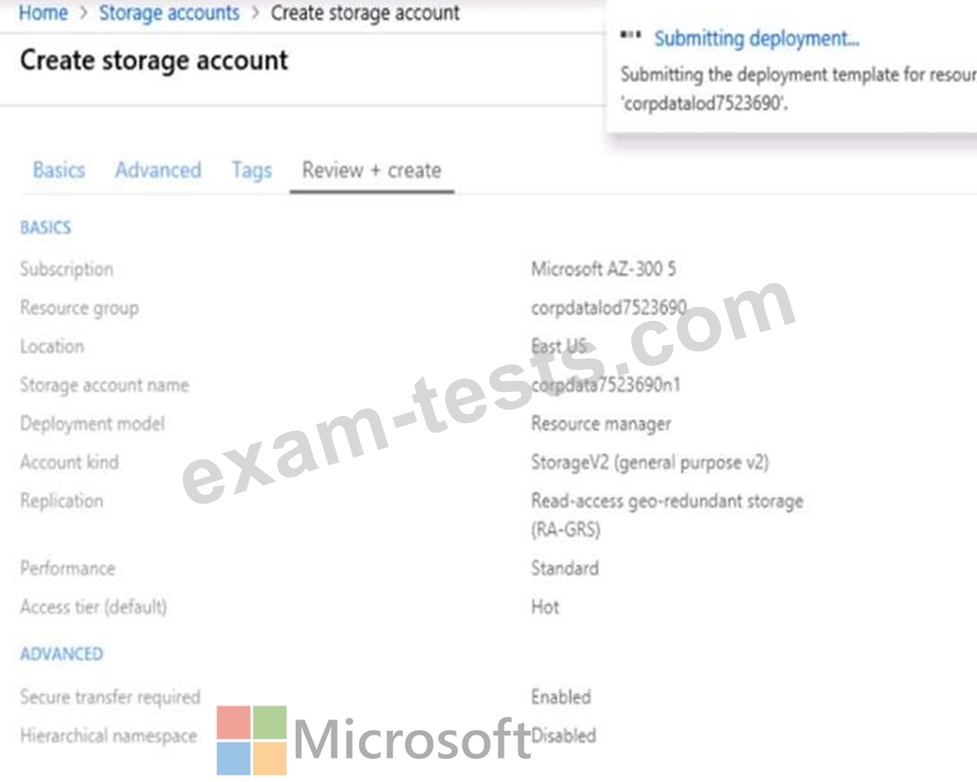
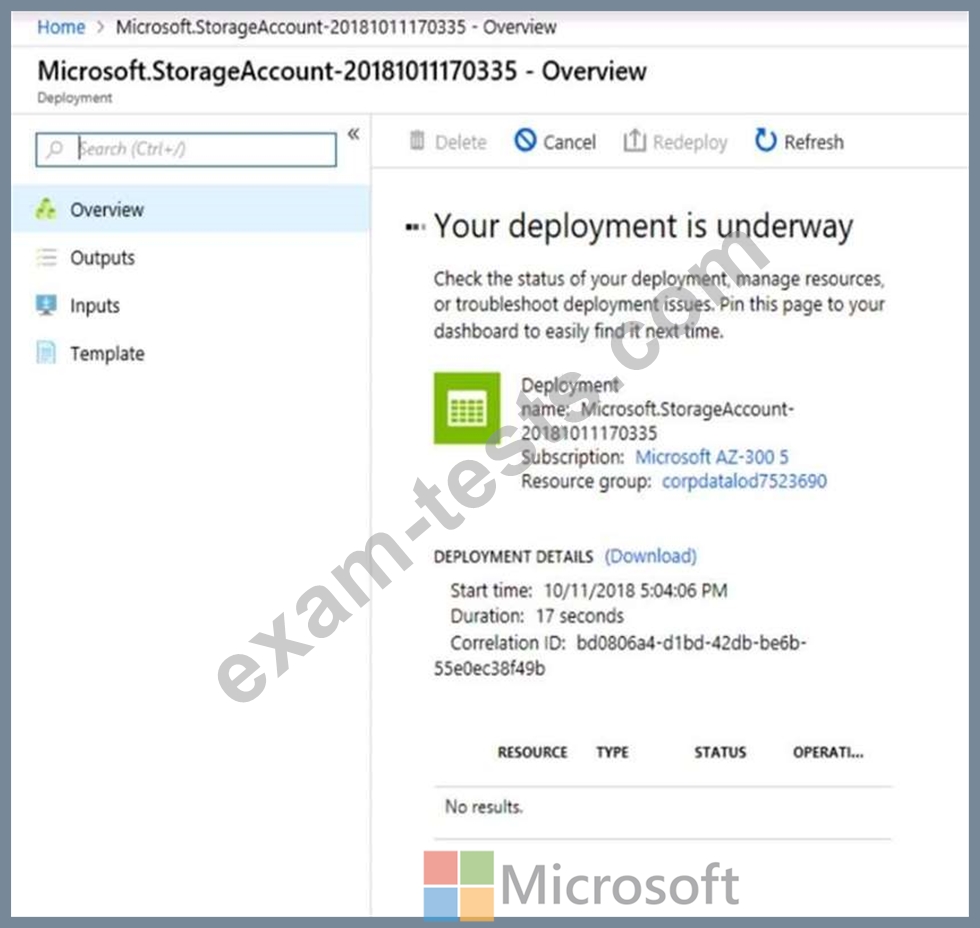
In the corpdatalod7523690 resource group, you need to create a virtual machine that uses the Standard_B2ms size named Web01 that runs Windows Server 2016. Web01 must be added to an availability set.
What should you do from the Azure portal?
Click to expand each objective. To connect to the Azure portal, type https://portal.azure.com in the browser address bar.
When you are finished performing all the tasks, click the 'Next' button.
Note that you cannot return to the lab once you click the 'Next' button. Scoring occur in the background while you complete the rest of the exam.
Overview
The following section of the exam is a lab. In this section, you will perform a set of tasks in a live environment.
While most functionality will be available to you as it would be in a live environment, some functionality (e.g., copy and paste, ability to navigate to external websites) will not be possible by design.
Scoring is based on the outcome of performing the tasks stated in the lab. In other words, it doesn't matter how you accomplish the task, if you successfully perform it, you will earn credit for that task.
Labs are not timed separately, and this exam may have more than one lab that you must complete. You can use as much time as you would like to complete each lab. But, you should manage your time appropriately to ensure that you are able to complete the lab(s) and all other sections of the exam in the time provided.
Please note that once you submit your work by clicking the Next button within a lab, you will NOT be able to return to the lab.
To start the lab
You may start the lab by clicking the Next button.
You plan to connect several virtual machines to the VNET01-USEA2 virtual network.
In the corpdatalod7523690 resource group, you need to create a virtual machine that uses the Standard_B2ms size named Web01 that runs Windows Server 2016. Web01 must be added to an availability set.
What should you do from the Azure portal?