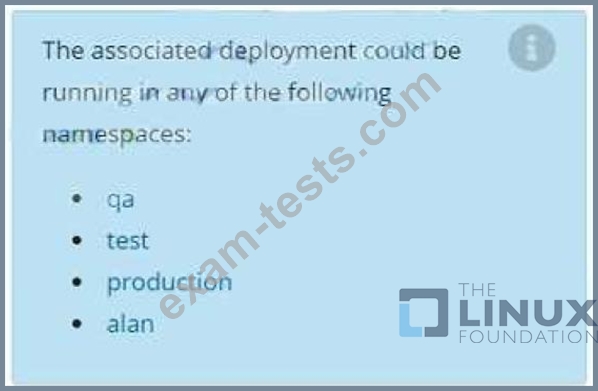
Question 11

Task:
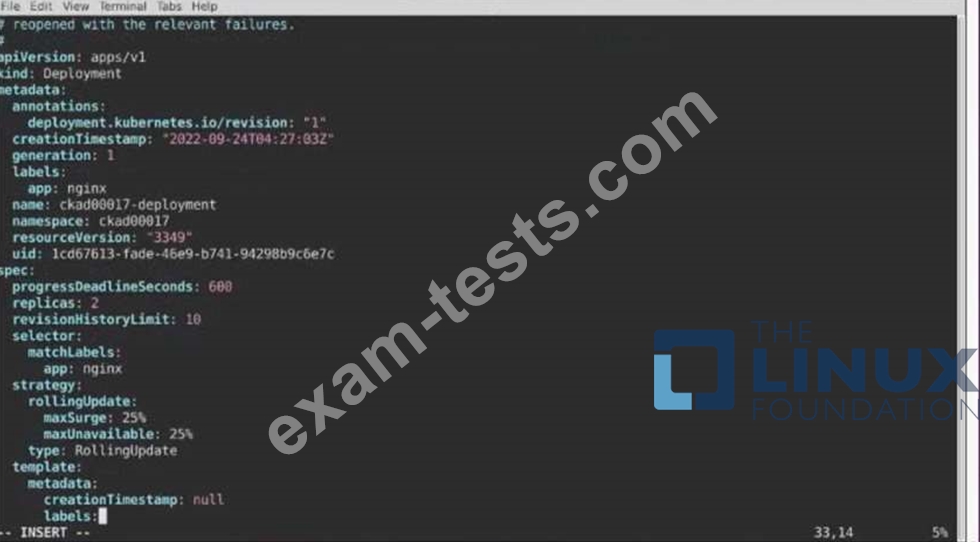
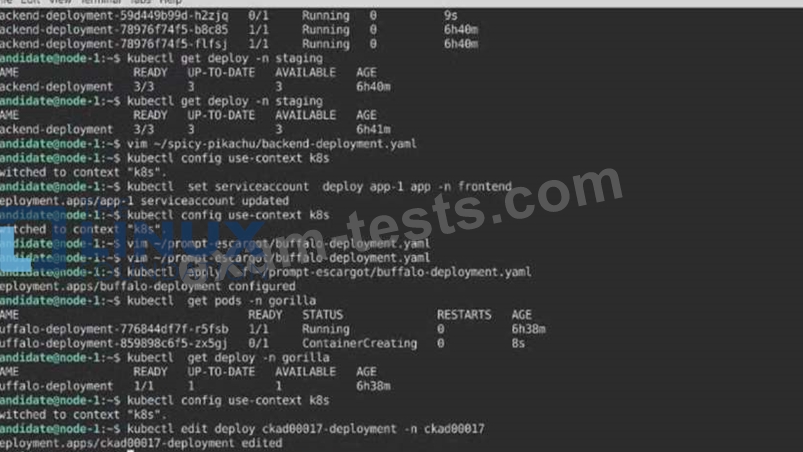
1) First update the Deployment cka00017-deployment in the ckad00017 namespace:
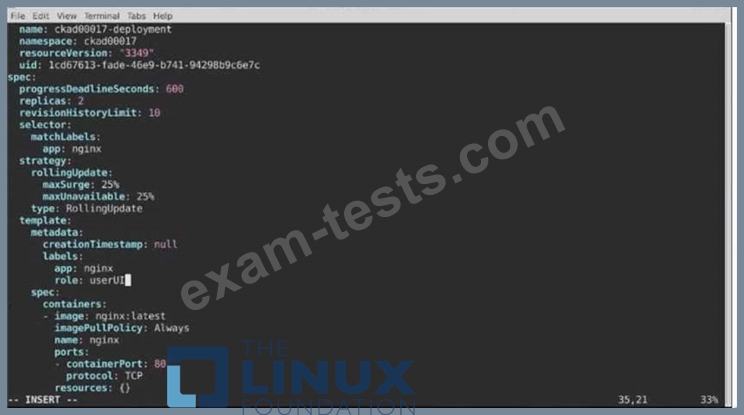
Role userUI
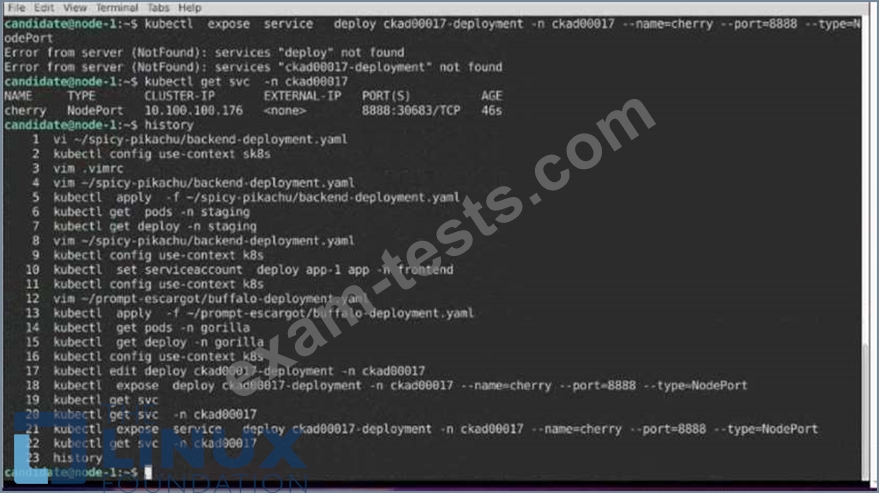
2) Next, Create a NodePort Service named cherry in the ckad00017 nmespace exposing the ckad00017-deployment Deployment on TCP port 8888 See the solution below.



Question 12
Context

Task:
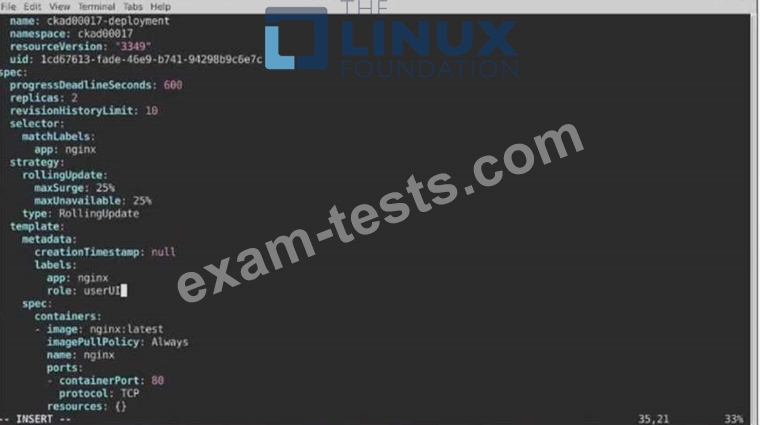
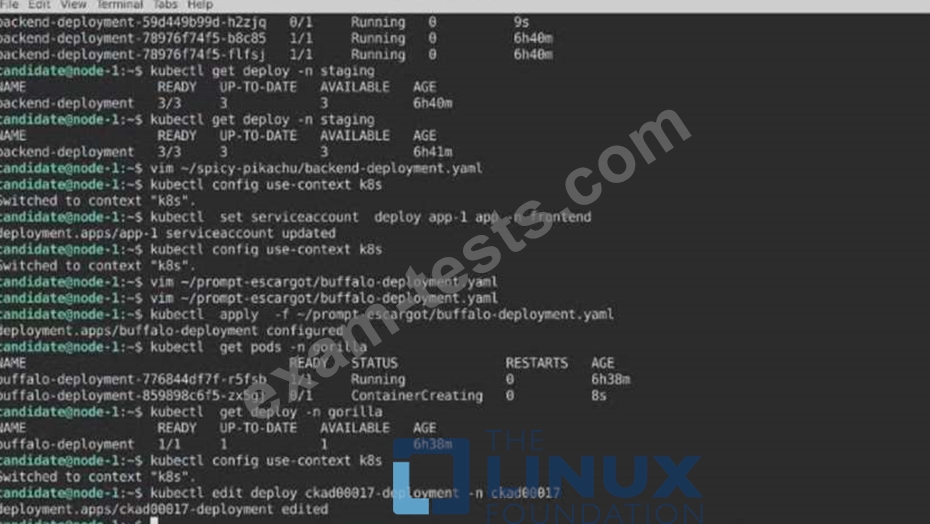
1) First update the Deployment cka00017-deployment in the ckad00017 namespace:
To run 2 replicas of the pod
Add the following label on the pod:
Role userUI
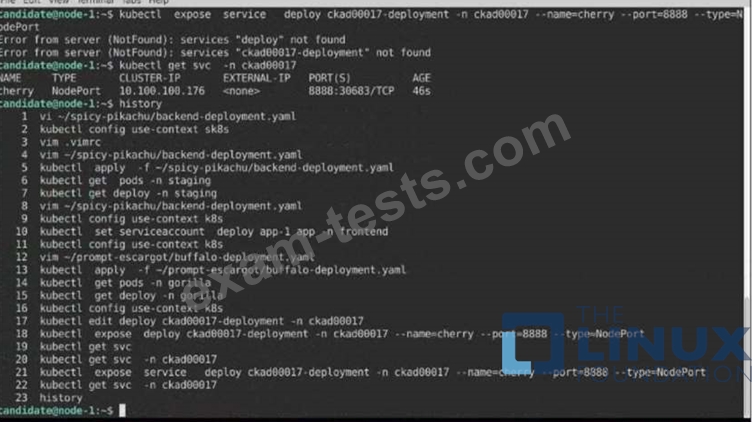
2) Next, Create a NodePort Service named cherry in the ckad00017 nmespace exposing the ckad00017-deployment Deployment on TCP port 8888
Task:
1) First update the Deployment cka00017-deployment in the ckad00017 namespace:
To run 2 replicas of the pod
Add the following label on the pod:
Role userUI
2) Next, Create a NodePort Service named cherry in the ckad00017 nmespace exposing the ckad00017-deployment Deployment on TCP port 8888


Question 13
Exhibit:
Given a container that writes a log file in format A and a container that converts log files from format A to format B, create a deployment that runs both containers such that the log files from the first container are converted by the second container, emitting logs in format B.
Task:
* Create a deployment named deployment-xyz in the default namespace, that:
* Includes a primary
lfccncf/busybox:1 container, named logger-dev
* includes a sidecar Ifccncf/fluentd:v0.12 container, named adapter-zen
* Mounts a shared volume /tmp/log on both containers, which does not persist when the pod is deleted
* Instructs the logger-dev
container to run the command
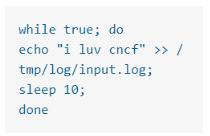
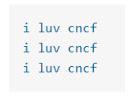
which should output logs to /tmp/log/input.log in plain text format, with example values:
* The adapter-zen sidecar container should read /tmp/log/input.log and output the data to /tmp/log/output.* in Fluentd JSON format. Note that no knowledge of Fluentd is required to complete this task: all you will need to achieve this is to create the ConfigMap from the spec file provided at /opt/KDMC00102/fluentd-configma p.yaml , and mount that ConfigMap to /fluentd/etc in the adapter-zen sidecar container
Given a container that writes a log file in format A and a container that converts log files from format A to format B, create a deployment that runs both containers such that the log files from the first container are converted by the second container, emitting logs in format B.
Task:
* Create a deployment named deployment-xyz in the default namespace, that:
* Includes a primary
lfccncf/busybox:1 container, named logger-dev
* includes a sidecar Ifccncf/fluentd:v0.12 container, named adapter-zen
* Mounts a shared volume /tmp/log on both containers, which does not persist when the pod is deleted
* Instructs the logger-dev
container to run the command
which should output logs to /tmp/log/input.log in plain text format, with example values:
* The adapter-zen sidecar container should read /tmp/log/input.log and output the data to /tmp/log/output.* in Fluentd JSON format. Note that no knowledge of Fluentd is required to complete this task: all you will need to achieve this is to create the ConfigMap from the spec file provided at /opt/KDMC00102/fluentd-configma p.yaml , and mount that ConfigMap to /fluentd/etc in the adapter-zen sidecar container
Question 14
Context

Context
Your application's namespace requires a specific service account to be used.
Task
Update the app-a deployment in the production namespace to run as the restrictedservice service account. The service account has already been created.
Context
Your application's namespace requires a specific service account to be used.
Task
Update the app-a deployment in the production namespace to run as the restrictedservice service account. The service account has already been created.

Question 15
Context
A user has reported an aopticauon is unteachable due to a failing livenessProbe .
Task
Perform the following tasks:
* Find the broken pod and store its name and namespace to /opt/KDOB00401/broken.txt in the format:
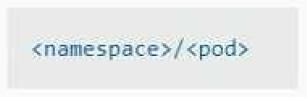
The output file has already been created
* Store the associated error events to a file /opt/KDOB00401/error.txt, The output file has already been created. You will need to use the -o wide output specifier with your command
* Fix the issue.