Question 1
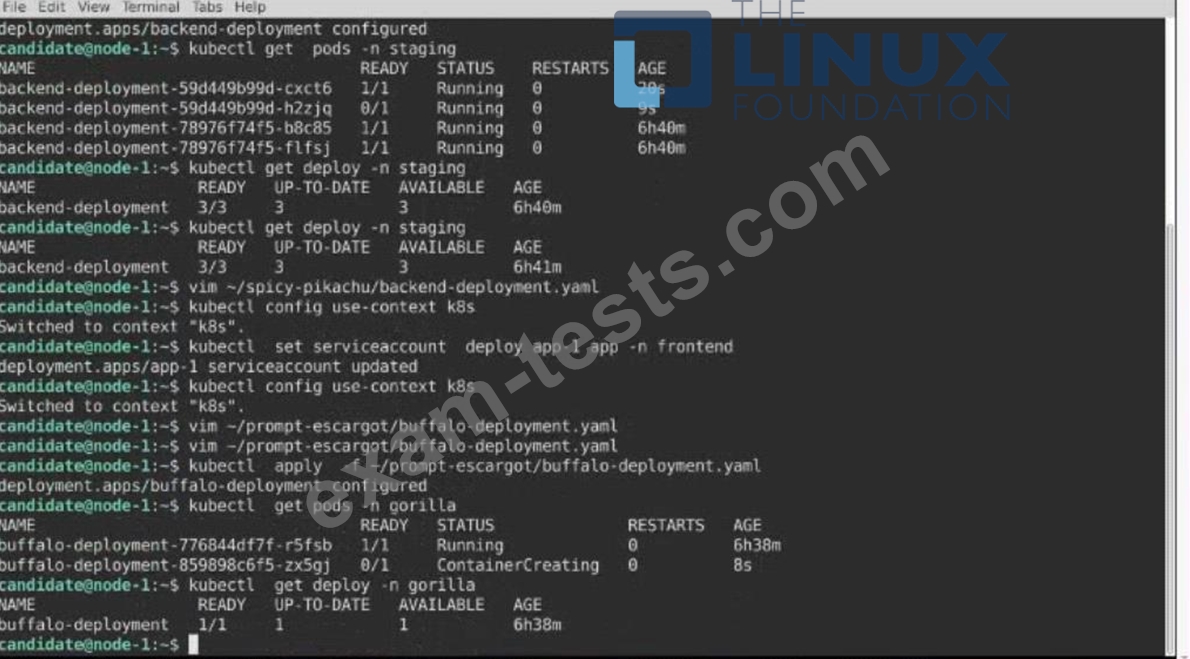
Refer to Exhibit.

Set Configuration Context:
[student@node-1] $ | kubectl
Config use-context k8s
Context
A pod is running on the cluster but it is not responding.
Task
The desired behavior is to have Kubemetes restart the pod when an endpoint returns an HTTP 500 on the /healthz endpoint. The service, probe-pod, should never send traffic to the pod while it is failing. Please complete the following:
* The application has an endpoint, /started, that will indicate if it can accept traffic by returning an HTTP 200. If the endpoint returns an HTTP 500, the application has not yet finished initialization.
* The application has another endpoint /healthz that will indicate if the application is still working as expected by returning an HTTP 200. If the endpoint returns an HTTP 500 the application is no longer responsive.
* Configure the probe-pod pod provided to use these endpoints
* The probes should use port 8080
Set Configuration Context:
[student@node-1] $ | kubectl
Config use-context k8s
Context
A pod is running on the cluster but it is not responding.
Task
The desired behavior is to have Kubemetes restart the pod when an endpoint returns an HTTP 500 on the /healthz endpoint. The service, probe-pod, should never send traffic to the pod while it is failing. Please complete the following:
* The application has an endpoint, /started, that will indicate if it can accept traffic by returning an HTTP 200. If the endpoint returns an HTTP 500, the application has not yet finished initialization.
* The application has another endpoint /healthz that will indicate if the application is still working as expected by returning an HTTP 200. If the endpoint returns an HTTP 500 the application is no longer responsive.
* Configure the probe-pod pod provided to use these endpoints
* The probes should use port 8080
Question 2

Context
A project that you are working on has a requirement for persistent data to be available.
Task
To facilitate this, perform the following tasks:
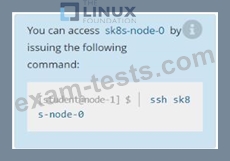
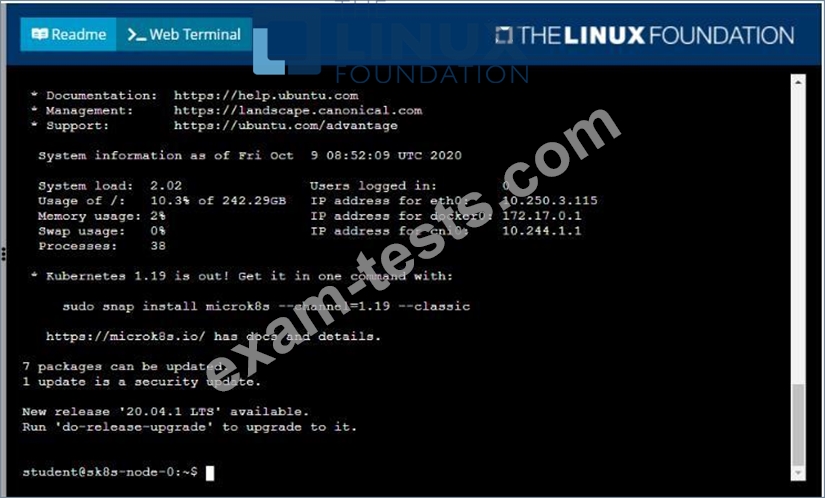
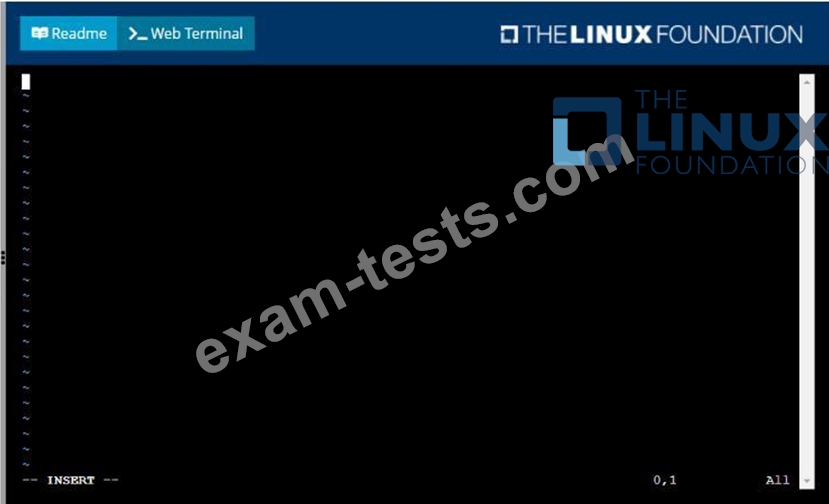
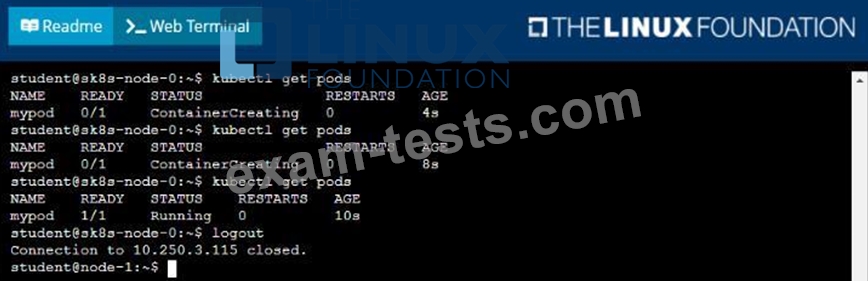
* Create a file on node sk8s-node-0 at /opt/KDSP00101/data/index.html with the content Acct=Finance
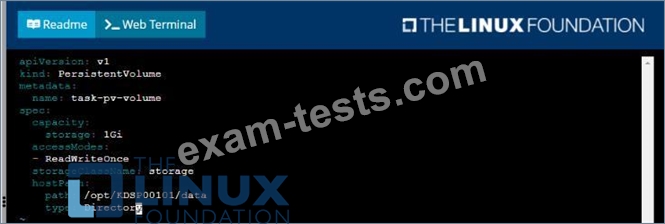
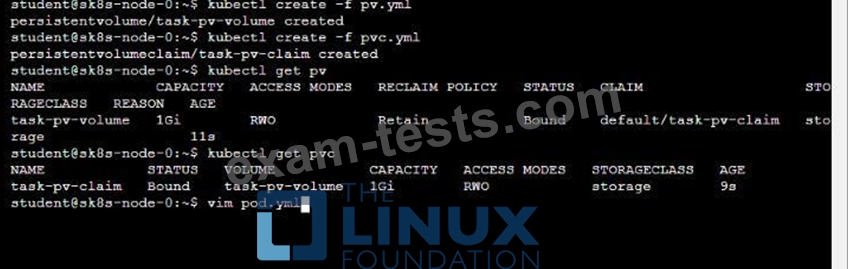
* Create a PersistentVolume named task-pv-volume using hostPath and allocate 1Gi to it, specifying that the volume is at /opt/KDSP00101/data on the cluster's node. The configuration should specify the access mode of ReadWriteOnce . It should define the StorageClass name exam for the PersistentVolume , which will be used to bind PersistentVolumeClaim requests to this PersistenetVolume.
* Create a PefsissentVolumeClaim named task-pv-claim that requests a volume of at least 100Mi and specifies an access mode of ReadWriteOnce
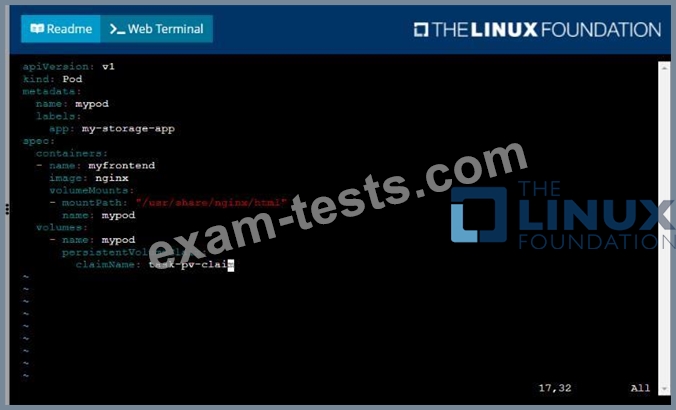
* Create a pod that uses the PersistentVolmeClaim as a volume with a label app: my-storage-app mounting the resulting volume to a mountPath /usr/share/nginx/html inside the pod




Question 3
Exhibit:
Context
A web application requires a specific version of redis to be used as a cache.
Task
Create a pod with the following characteristics, and leave it running when complete:
* The pod must run in the web namespace.
The namespace has already been created
* The name of the pod should be cache
* Use the Ifccncf/redis image with the 3.2 tag
* Expose port 6379
Context
A web application requires a specific version of redis to be used as a cache.
Task
Create a pod with the following characteristics, and leave it running when complete:
* The pod must run in the web namespace.
The namespace has already been created
* The name of the pod should be cache
* Use the Ifccncf/redis image with the 3.2 tag
* Expose port 6379
Question 4

Task:
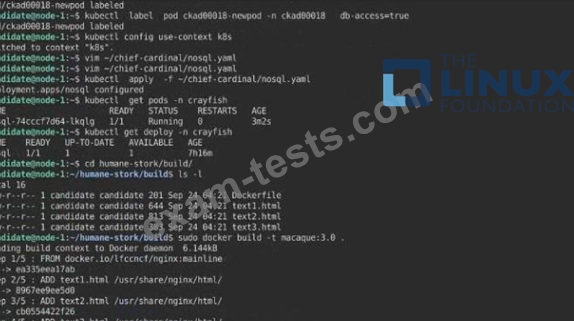
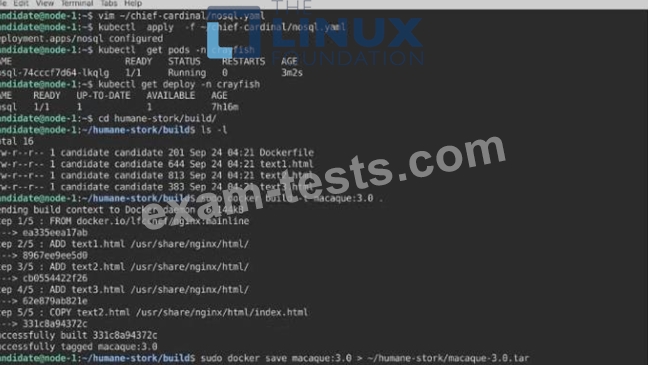
A Dockerfile has been prepared at -/human-stork/build/Dockerfile
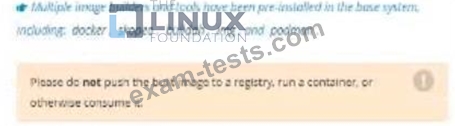
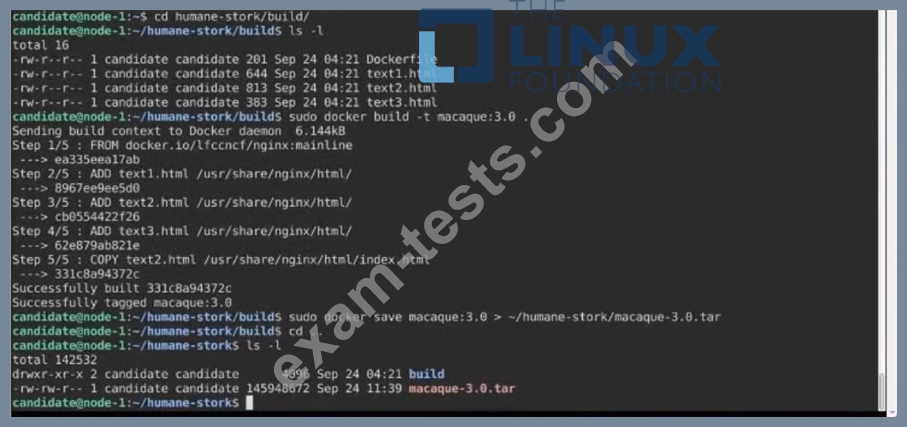
1) Using the prepared Dockerfile, build a container image with the name macque and lag 3.0. You may install and use the tool of your choice.
2) Using the tool of your choice export the built container image in OC-format and store it at -/human stork/macque 3.0 tar See the solution below.
Question 5
Context

Task:
A pod within the Deployment named buffale-deployment and in namespace gorilla is logging errors.
1) Look at the logs identify errors messages.
Find errors, including User "system:serviceaccount:gorilla:default" cannot list resource "deployment" [...] in the namespace "gorilla"
2) Update the Deployment buffalo-deployment to resolve the errors in the logs of the Pod.
The buffalo-deployment 'S manifest can be found at -/prompt/escargot/buffalo-deployment.yaml
Task:
A pod within the Deployment named buffale-deployment and in namespace gorilla is logging errors.
1) Look at the logs identify errors messages.
Find errors, including User "system:serviceaccount:gorilla:default" cannot list resource "deployment" [...] in the namespace "gorilla"
2) Update the Deployment buffalo-deployment to resolve the errors in the logs of the Pod.
The buffalo-deployment 'S manifest can be found at -/prompt/escargot/buffalo-deployment.yaml