

Question 16
SIMULATION
You have been tasked with setting up a wireless network in an office. The network will consist of 3 Access Points and a single switch. The network must meet the following parameters:
The SSIDs need to be configured as CorpNet with a key of S3cr3t!
The wireless signals should not interfere with each other
The subnet the Access Points and switch are on should only support 30 devices maximum The Access Points should be configured to only support TKIP clients at a maximum speed INSTRUCTONS Click on the wireless devices and review their information and adjust the settings of the access points to meet the given requirements.
If at any time you would like to bring back the initial state of the simulation, please click the Reset All button.


You have been tasked with setting up a wireless network in an office. The network will consist of 3 Access Points and a single switch. The network must meet the following parameters:
The SSIDs need to be configured as CorpNet with a key of S3cr3t!
The wireless signals should not interfere with each other
The subnet the Access Points and switch are on should only support 30 devices maximum The Access Points should be configured to only support TKIP clients at a maximum speed INSTRUCTONS Click on the wireless devices and review their information and adjust the settings of the access points to meet the given requirements.
If at any time you would like to bring back the initial state of the simulation, please click the Reset All button.


Question 17
Which of the following should a network administrator configure when adding OT devices to an organization's architecture?
Question 18
A network technician is examining the configuration on an access port and notices more than one VLAN has been set. Which of the following best describes how the port is configured?
Question 19
Which of the following is a characteristic of the application layer?
Question 20
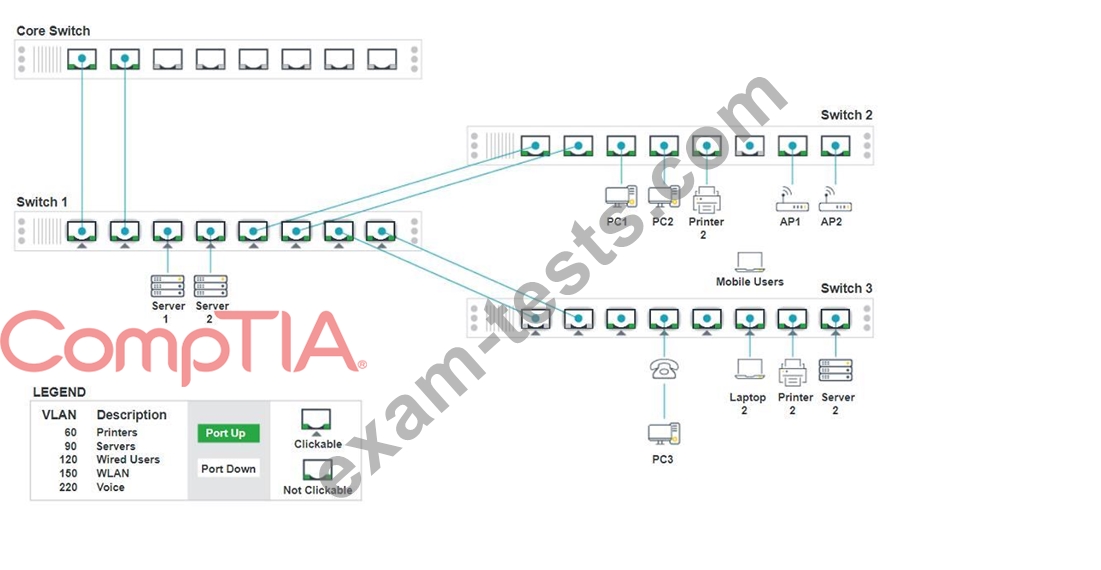
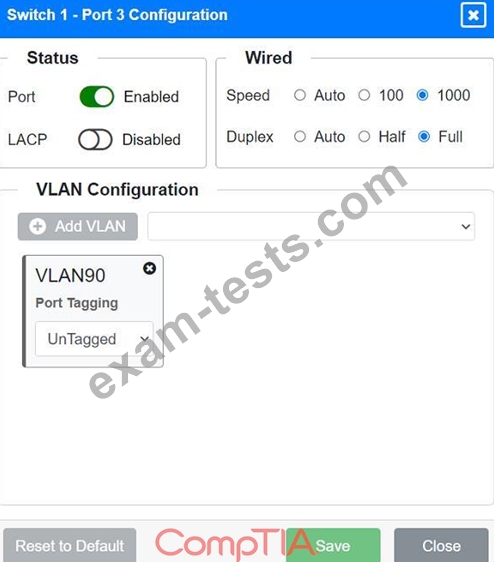
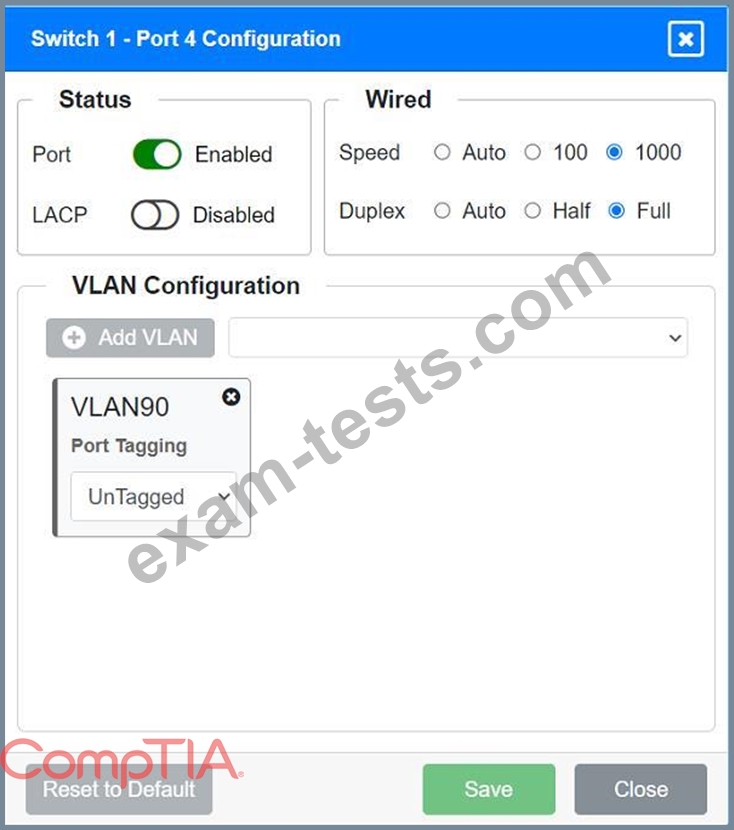
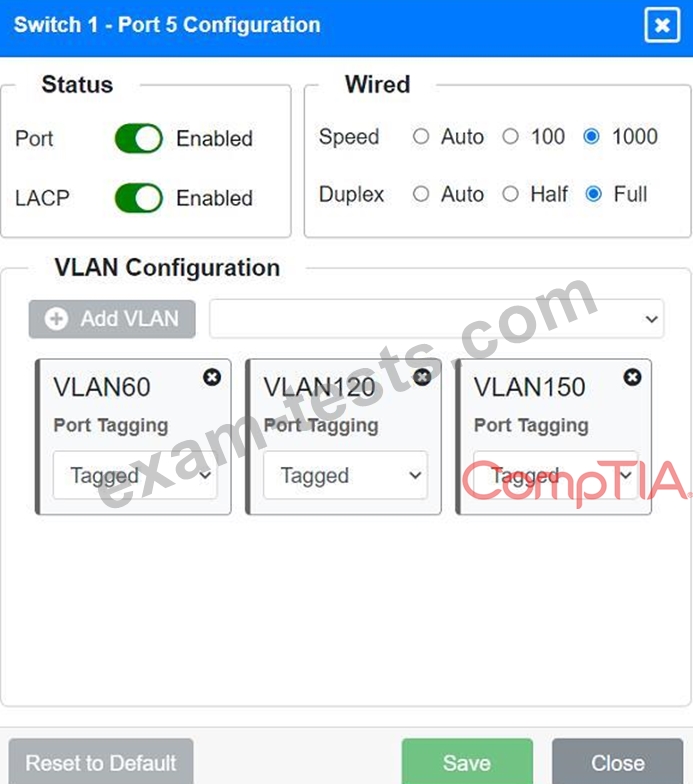
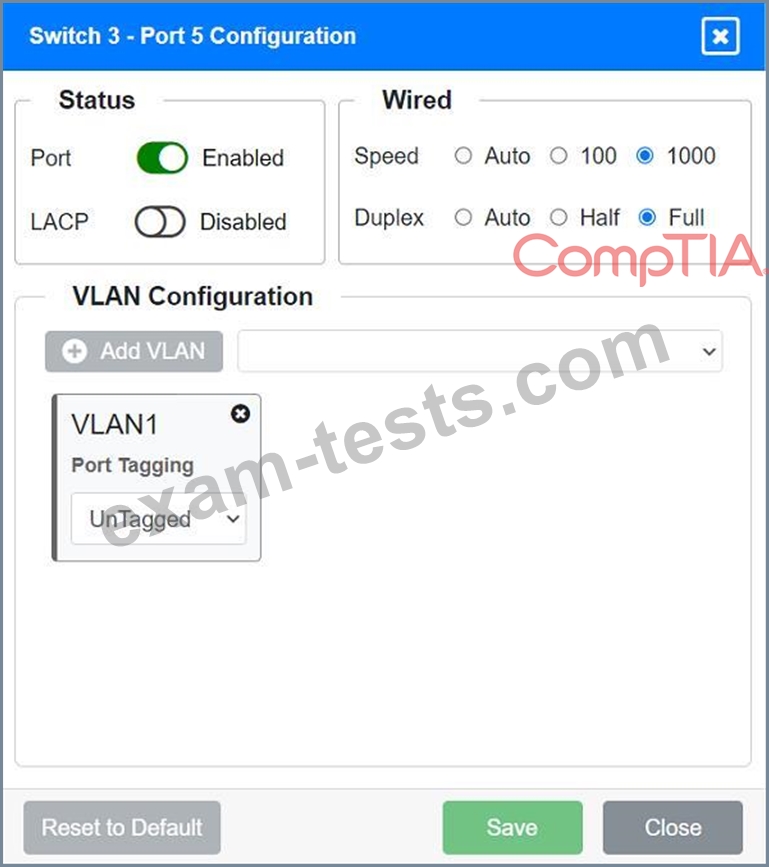
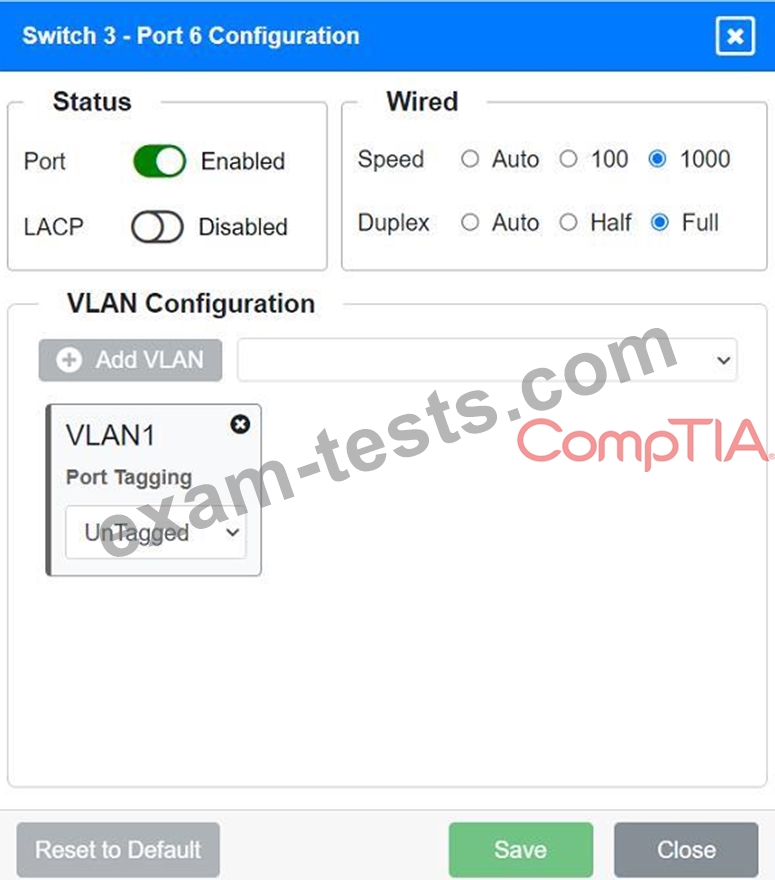
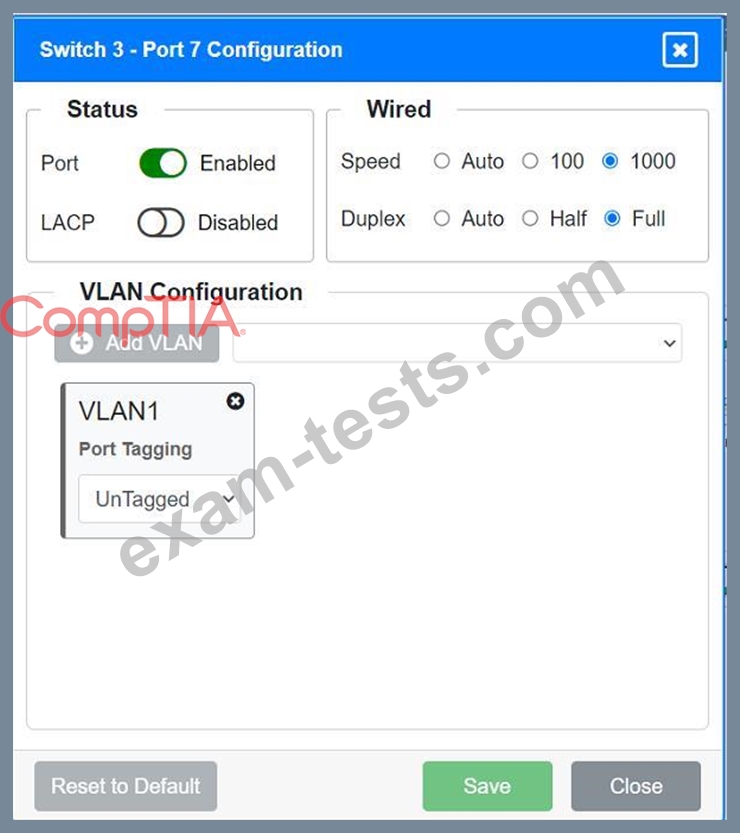
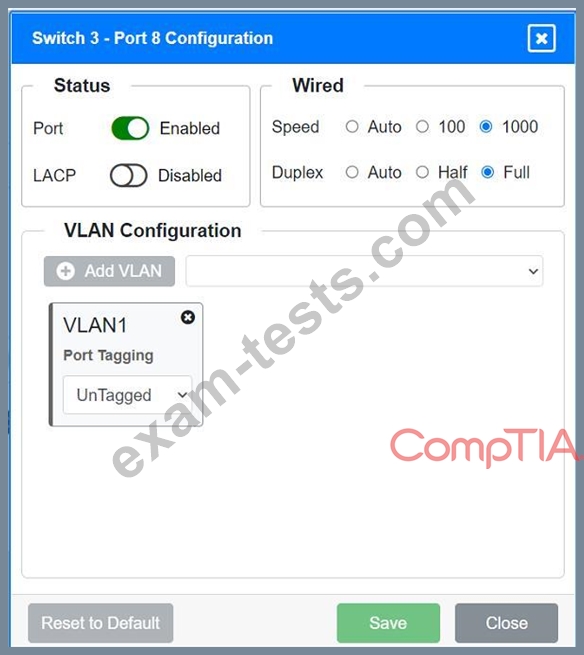
A network technician replaced an access layer switch and needs to reconfigure it to allow the connected devices to connect to the correct networks.
INSTRUCTIONS
Click on the appropriate port(s) on Switch 1 and Switch 3 to verify or reconfigure the correct settings:
Ensure each device accesses only its
correctly associated network.
Disable all unused switchports.
. Require fault-tolerant connections
between the switches.
. Only make necessary changes to
complete the above requirements.


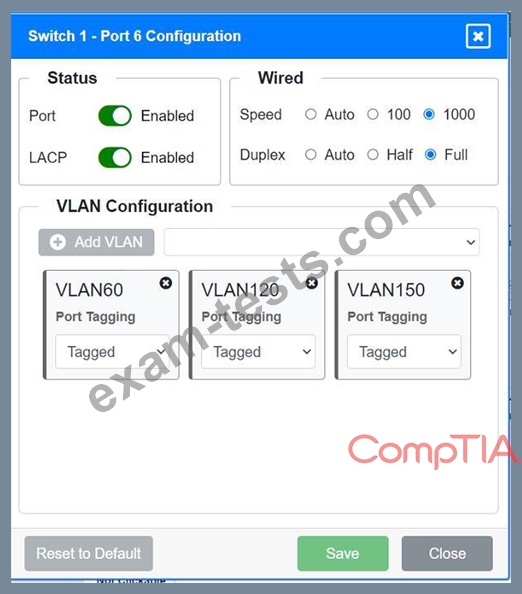
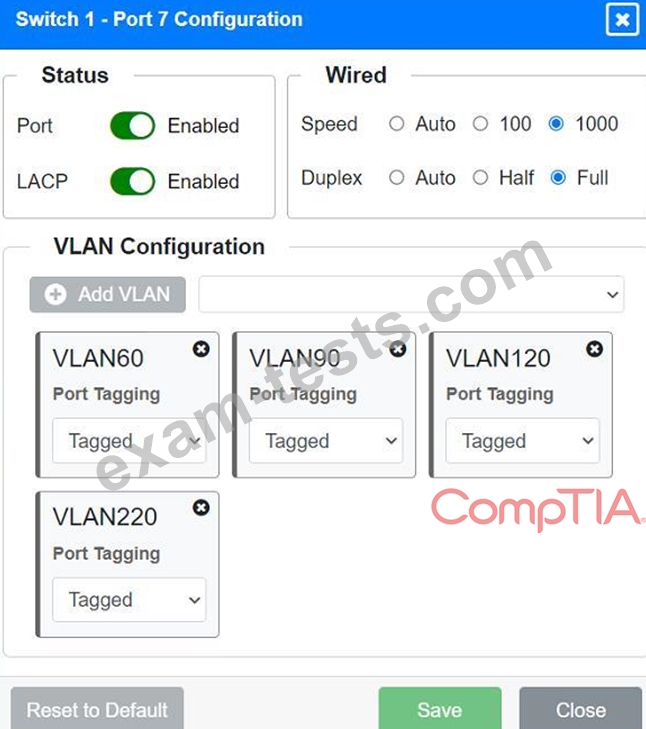


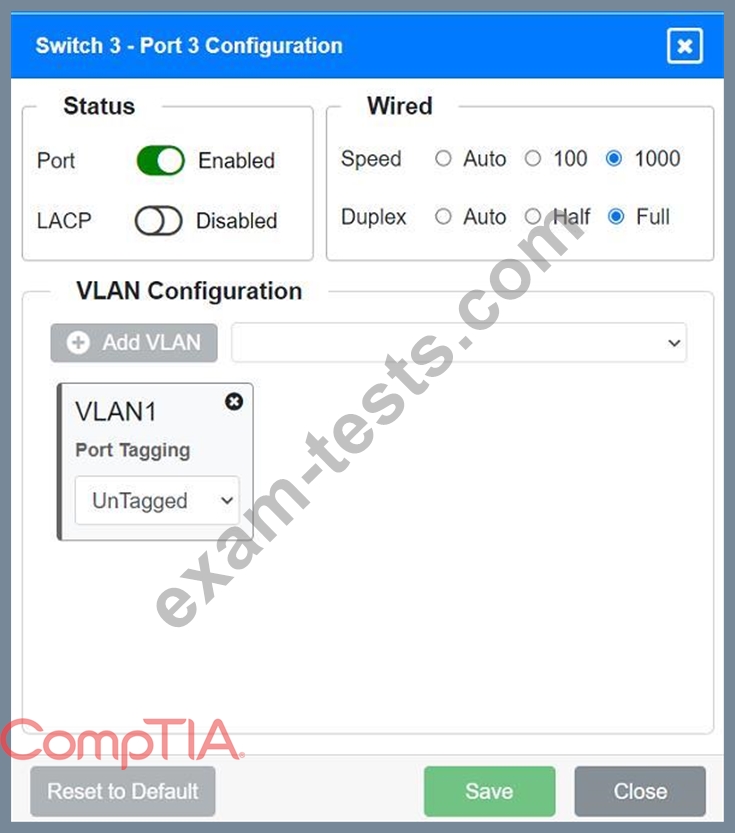
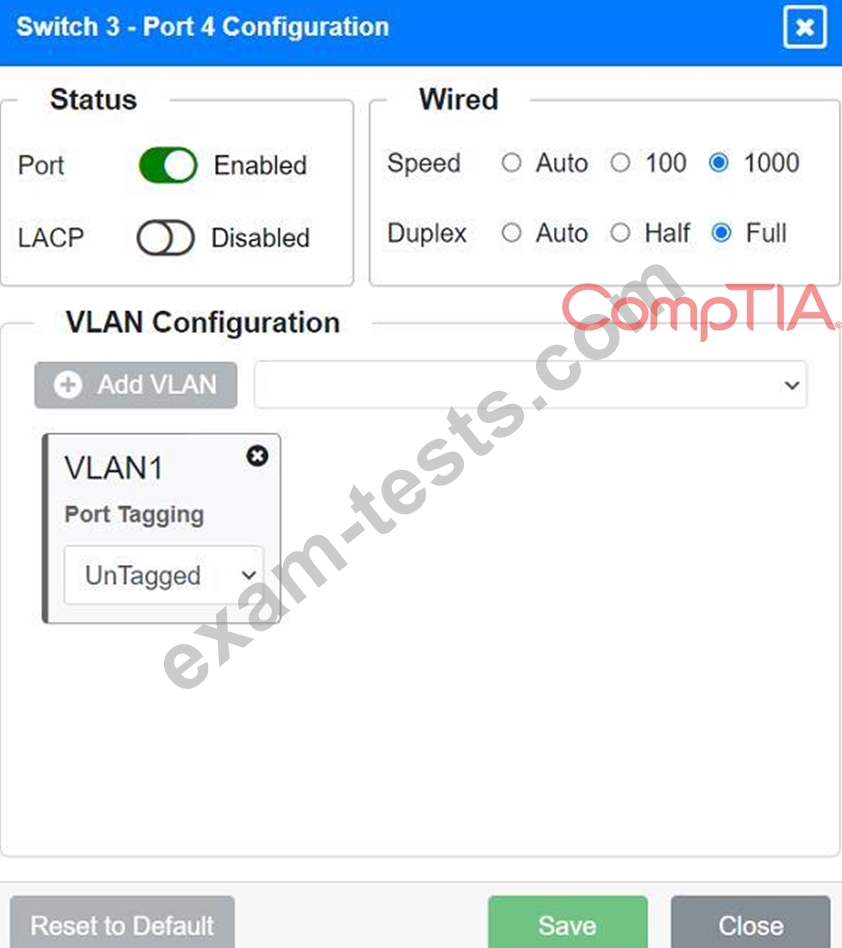

INSTRUCTIONS
Click on the appropriate port(s) on Switch 1 and Switch 3 to verify or reconfigure the correct settings:
Ensure each device accesses only its
correctly associated network.
Disable all unused switchports.
. Require fault-tolerant connections
between the switches.
. Only make necessary changes to
complete the above requirements.