Question 31
Perform the following tasks:
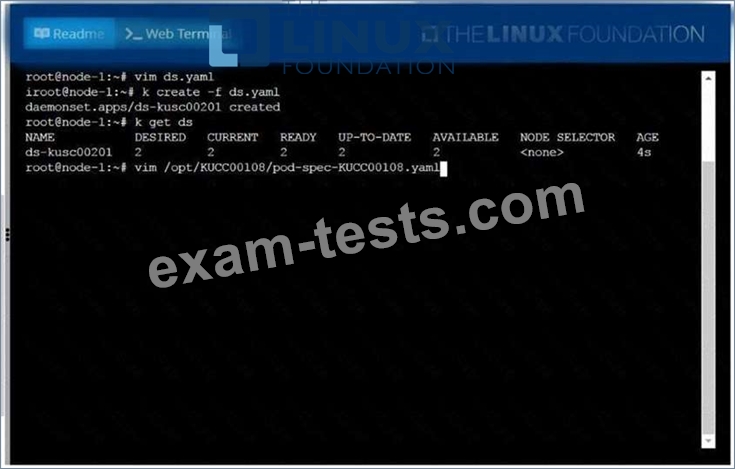
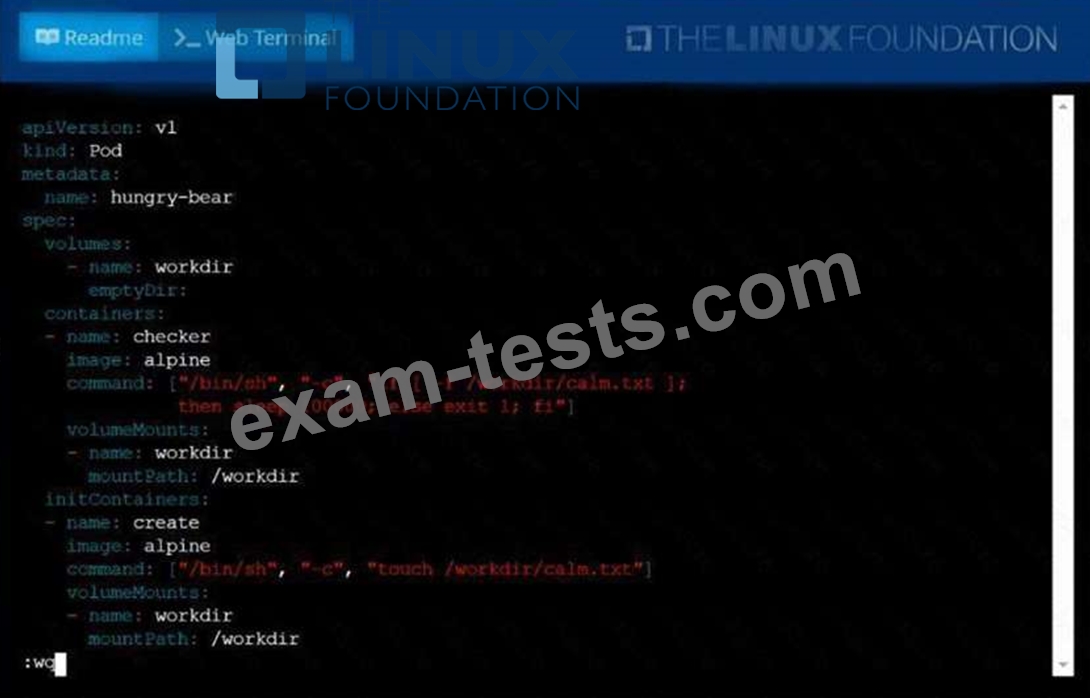
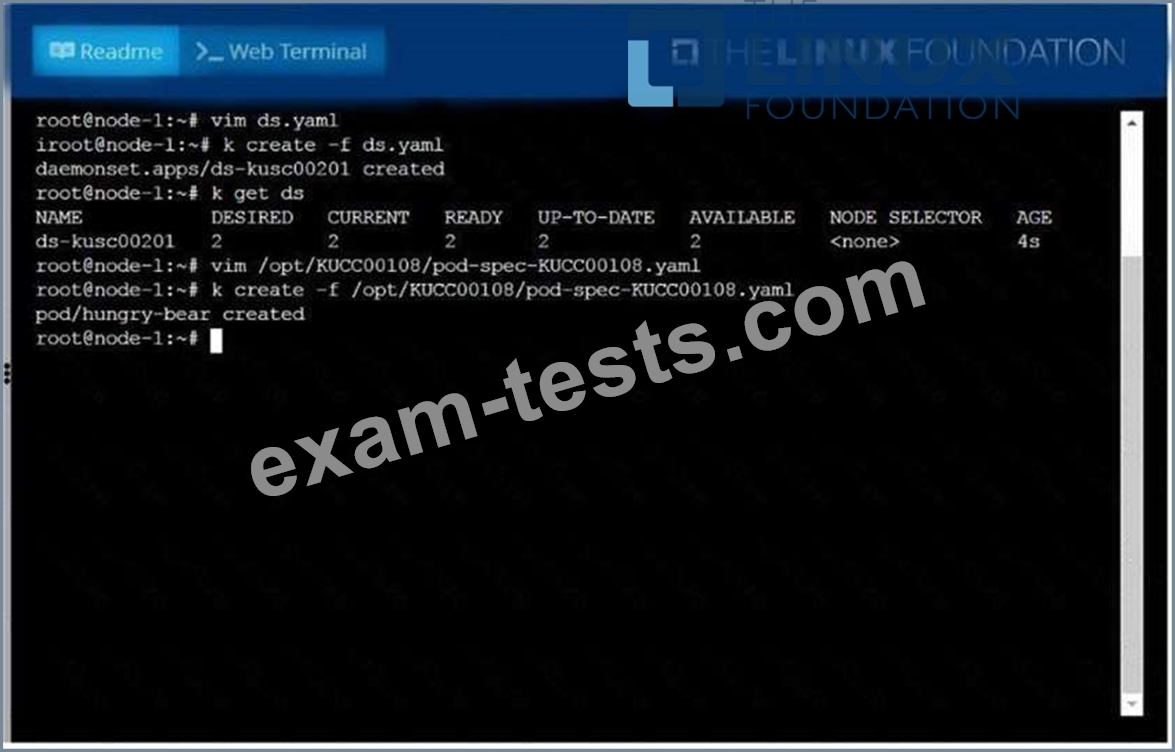
* Add an init container to hungry-bear (which has been defined in spec file
/opt/KUCC00108/pod-spec-KUCC00108.yaml)
* The init container should create an empty file named/workdir/calm.txt
* If /workdir/calm.txt is not detected, the pod should exit
* Add an init container to hungry-bear (which has been defined in spec file
/opt/KUCC00108/pod-spec-KUCC00108.yaml)
* The init container should create an empty file named/workdir/calm.txt
* If /workdir/calm.txt is not detected, the pod should exit
Question 32
Create an nginx pod which reads username as the environment variable
Question 33
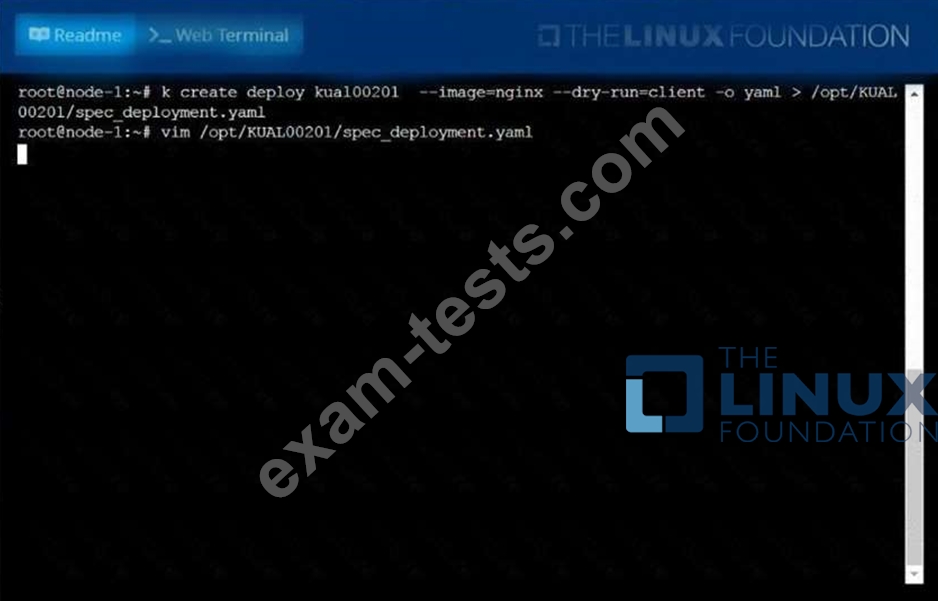
Create a deployment spec file thatwill:
* Launch 7 replicas of thenginxImage with the labelapp_runtime_stage=dev
* deployment name:kual00201
Save a copy of this spec file to/opt/KUAL00201/spec_deployment.yaml
(or/opt/KUAL00201/spec_deployment.json).
When you are done, clean up (delete)any new Kubernetes API object thatyou produced during this task.
* Launch 7 replicas of thenginxImage with the labelapp_runtime_stage=dev
* deployment name:kual00201
Save a copy of this spec file to/opt/KUAL00201/spec_deployment.yaml
(or/opt/KUAL00201/spec_deployment.json).
When you are done, clean up (delete)any new Kubernetes API object thatyou produced during this task.

Question 34
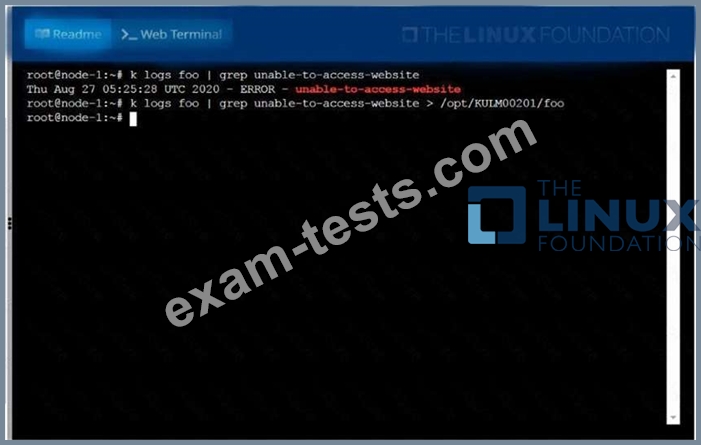
Monitor the logs of pod foo and:
* Extract log lines corresponding unable-to-access-website
* Write them to/opt/KULM00201/foo

* Extract log lines corresponding unable-to-access-website
* Write them to/opt/KULM00201/foo

Question 35
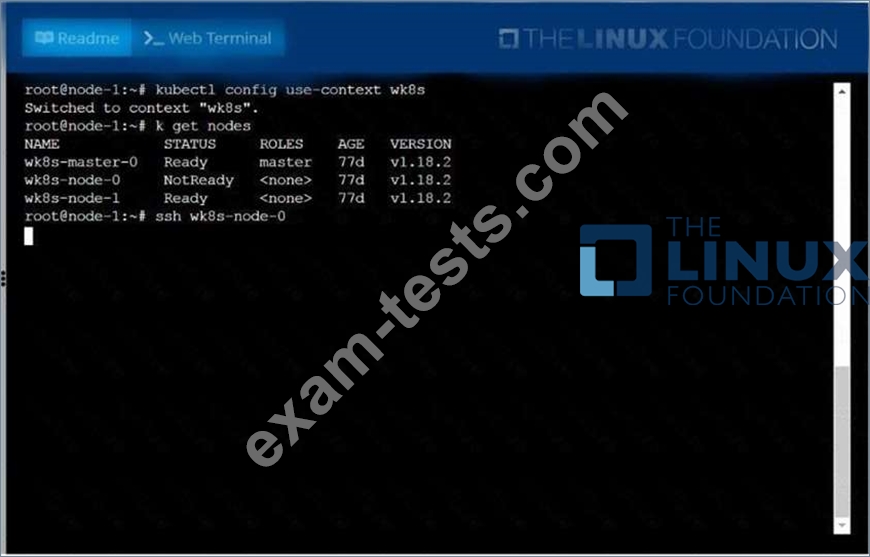
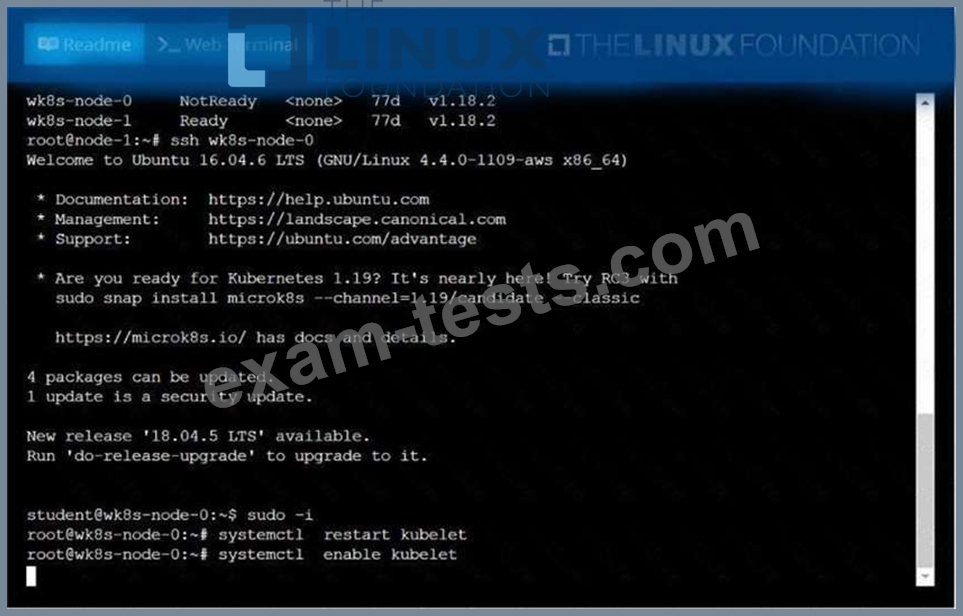
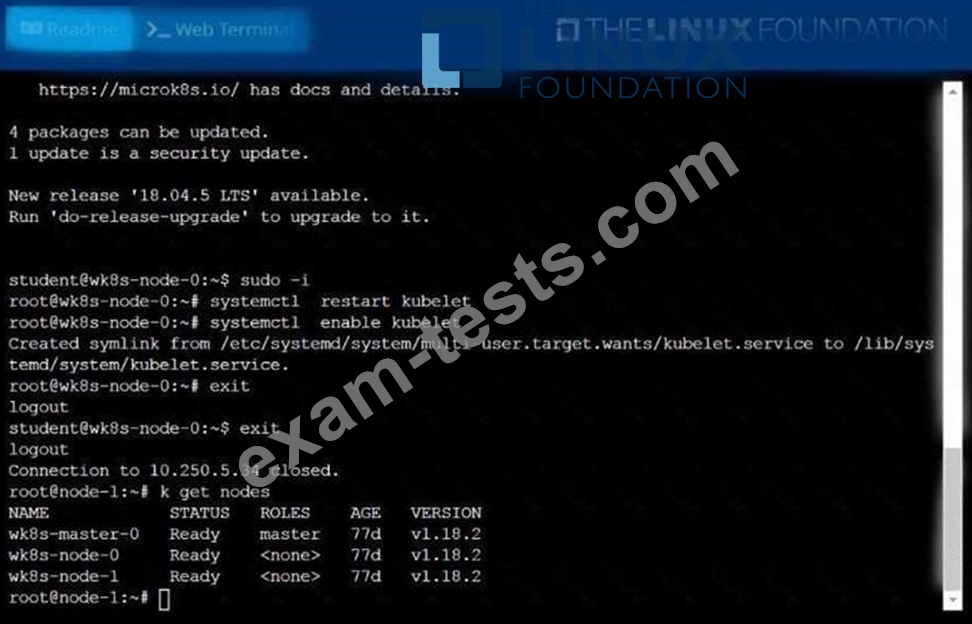
A Kubernetes worker node, named .Investigate why this is the case,
andperform any appropriate steps tobring the node to a state,ensuring that any changes are madepermanent.
You cansshto the failednode using:
[student@node-1] $ | sshWk8s-node-0
You can assume elevatedprivileges on the node with thefollowing command:
[student@w8ks-node-0] $ |sudo -i
andperform any appropriate steps tobring the node to a state,ensuring that any changes are madepermanent.
You cansshto the failednode using:
[student@node-1] $ | sshWk8s-node-0
You can assume elevatedprivileges on the node with thefollowing command:
[student@w8ks-node-0] $ |sudo -i