

Question 41
Create 2 nginx image pods in which one of them is labelled with env=prod and another one labelled with env=dev and verify the same.
Question 42
Deployment
a. Create a deployment of webapp with image nginx:1.17.1 with
container port 80 and verify the image version
a. Create a deployment of webapp with image nginx:1.17.1 with
container port 80 and verify the image version
Question 43
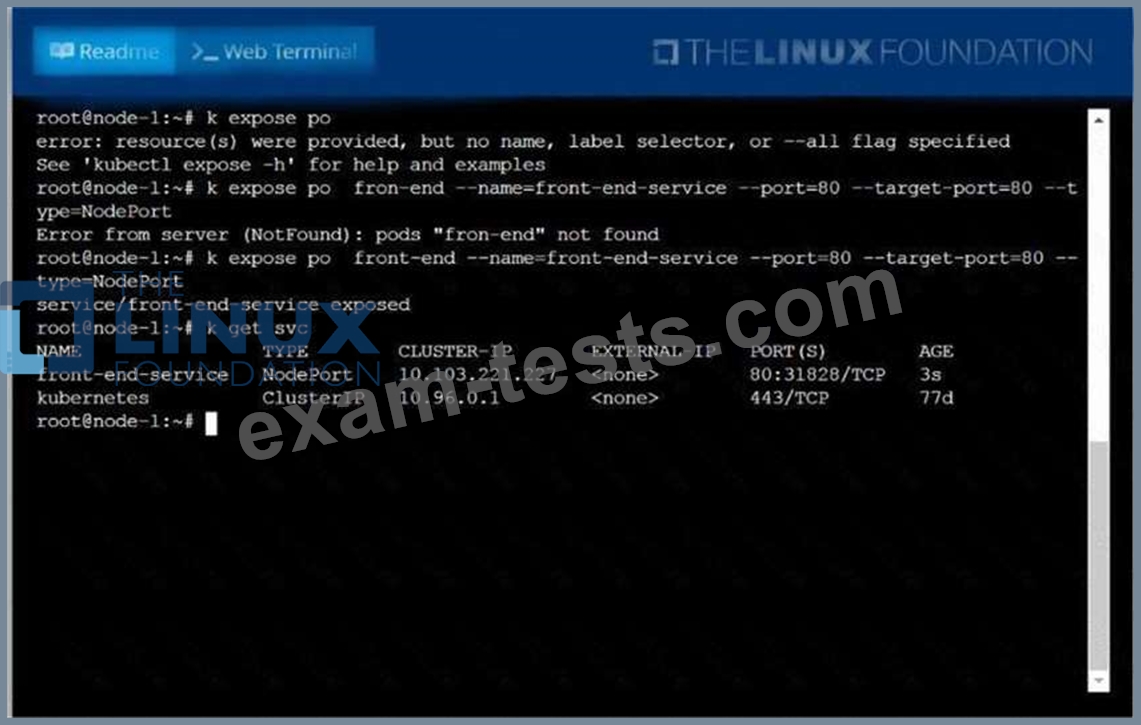
Create and configure the service front-end-service so it's accessible through NodePort and routes to the existing pod named front-end.
Question 44
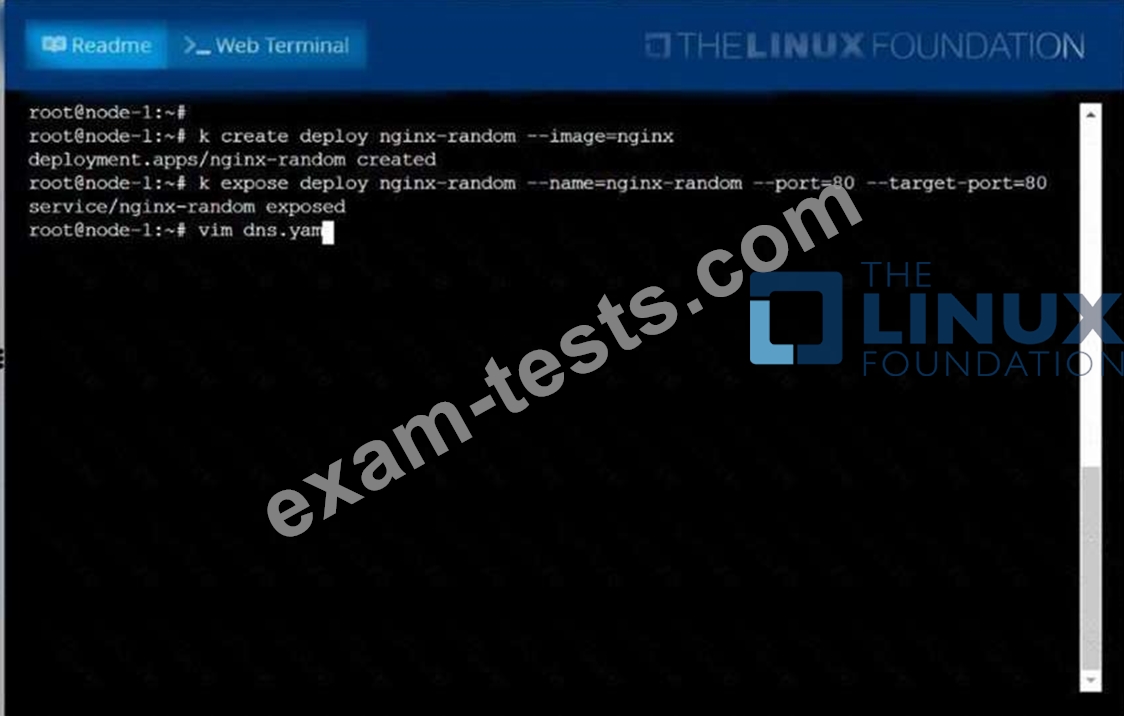
Create a deployment as follows:
* Name: nginx-random
* Exposed via a service nginx-random
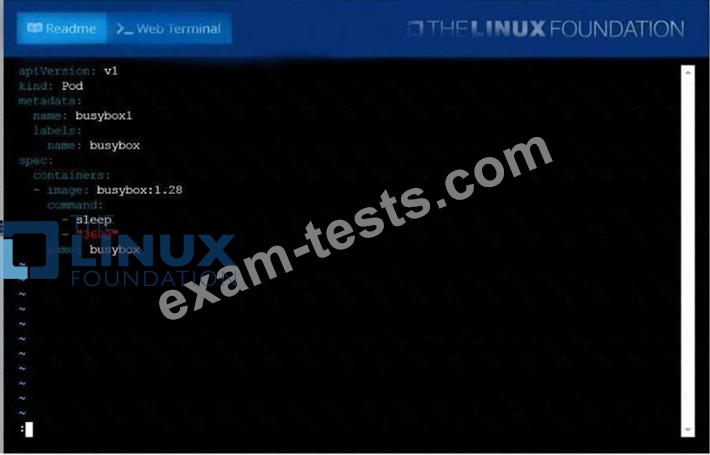
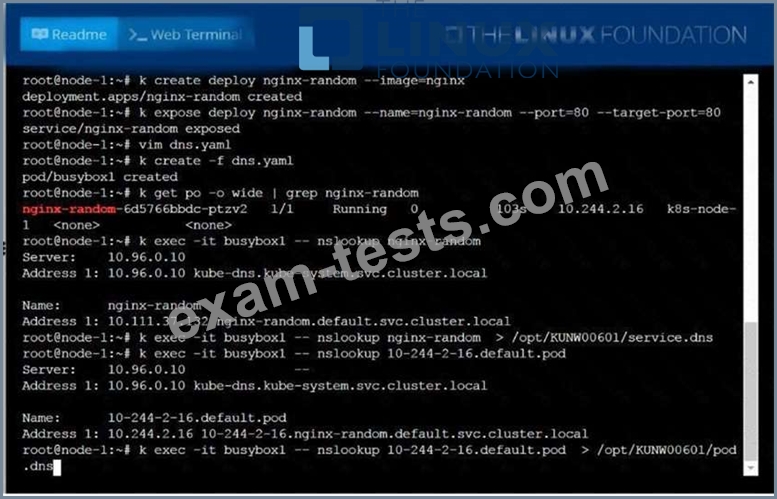
* Ensure that the service & pod are accessible via their respective DNS records
* The container(s) within any pod(s) running as a part of this deployment should use the nginx Image Next, use the utility nslookup to look up the DNS records of the service & pod and write the output to
/opt/KUNW00601/service.dns and /opt/KUNW00601/pod.dns respectively.
* Name: nginx-random
* Exposed via a service nginx-random
* Ensure that the service & pod are accessible via their respective DNS records
* The container(s) within any pod(s) running as a part of this deployment should use the nginx Image Next, use the utility nslookup to look up the DNS records of the service & pod and write the output to
/opt/KUNW00601/service.dns and /opt/KUNW00601/pod.dns respectively.
Question 45
Create a Job with an image node which prints node version and
verifies there is a pod created for this job
verifies there is a pod created for this job