

Question 26
Exhibit:

Context
Your application's namespace requires a specific service account to be used.
Task
Update the app-a deployment in the production namespace to run as the restrictedservice service account. The service account has already been created.
Context
Your application's namespace requires a specific service account to be used.
Task
Update the app-a deployment in the production namespace to run as the restrictedservice service account. The service account has already been created.
Question 27
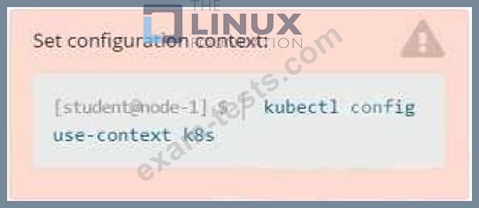
Task
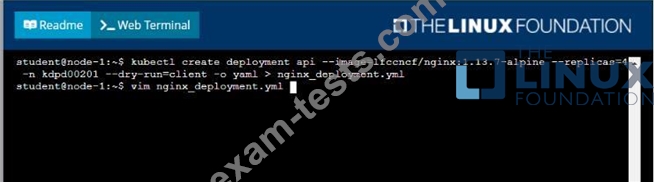
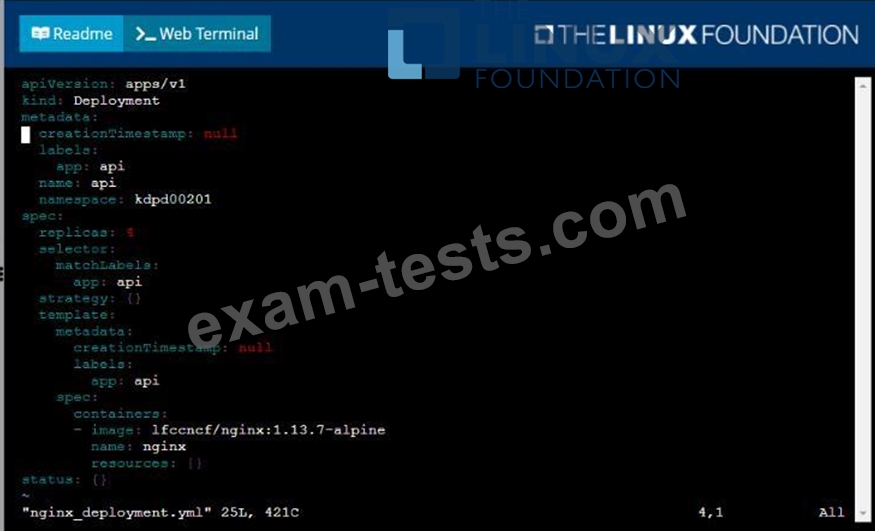
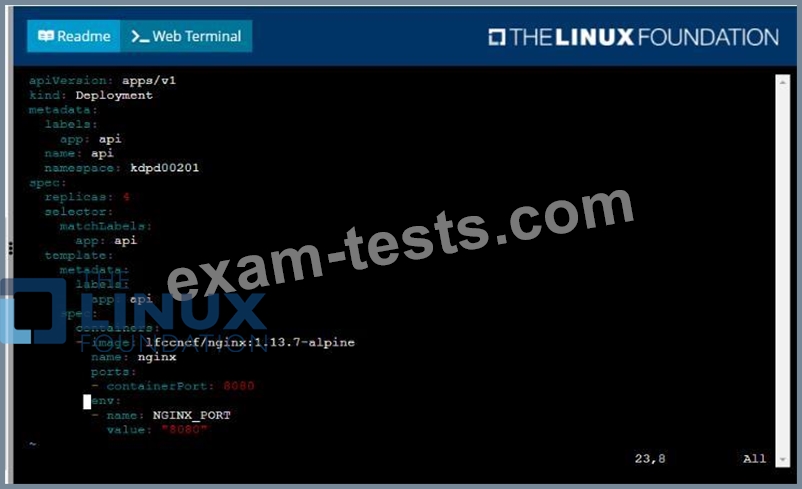
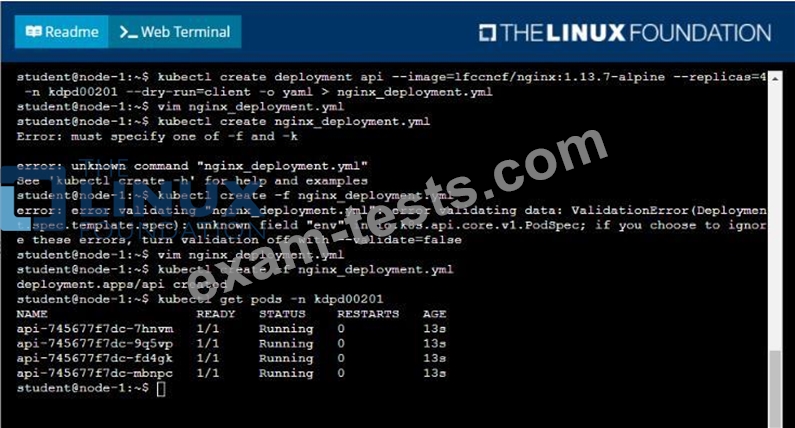
Create a new deployment for running.nginx with the following parameters;
* Run the deployment in the kdpd00201 namespace. The namespace has already been created
* Name the deployment frontend and configure with 4 replicas
* Configure the pod with a container image of lfccncf/nginx:1.13.7
* Set an environment variable of NGINX__PORT=8080 and also expose that port for the container above See the solution below.
Question 28
Exhibit:
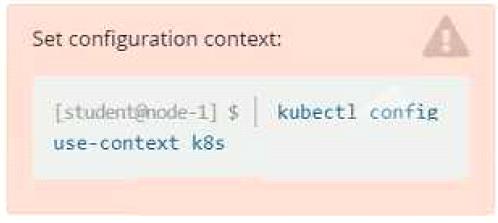
Context
It is always useful to look at the resources your applications are consuming in a cluster.
Task
* From the pods running in namespace cpu-stress , write the name only of the pod that is consuming the most CPU to file /opt/KDOBG030l/pod.txt, which has already been created.
Context
It is always useful to look at the resources your applications are consuming in a cluster.
Task
* From the pods running in namespace cpu-stress , write the name only of the pod that is consuming the most CPU to file /opt/KDOBG030l/pod.txt, which has already been created.
Question 29
Exhibit:
Task
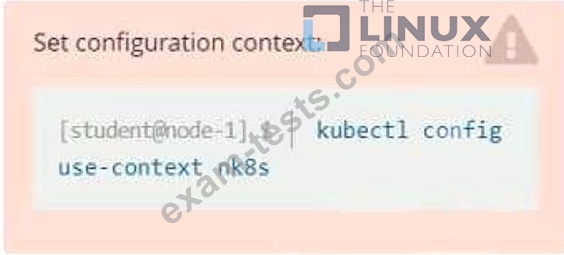
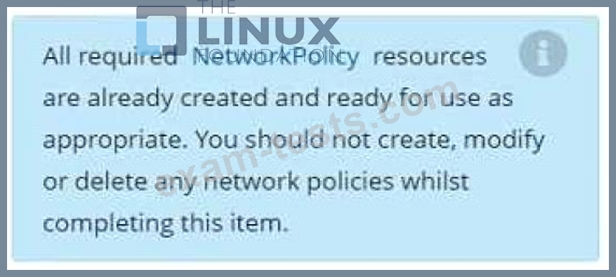
You have rolled out a new pod to your infrastructure and now you need to allow it to communicate with the web and storage pods but nothing else. Given the running pod kdsn00201 -newpod edit it to use a network policy that will allow it to send and receive traffic only to and from the web and storage pods.
Task
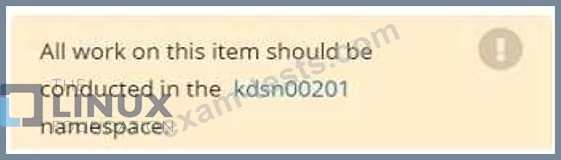
You have rolled out a new pod to your infrastructure and now you need to allow it to communicate with the web and storage pods but nothing else. Given the running pod kdsn00201 -newpod edit it to use a network policy that will allow it to send and receive traffic only to and from the web and storage pods.
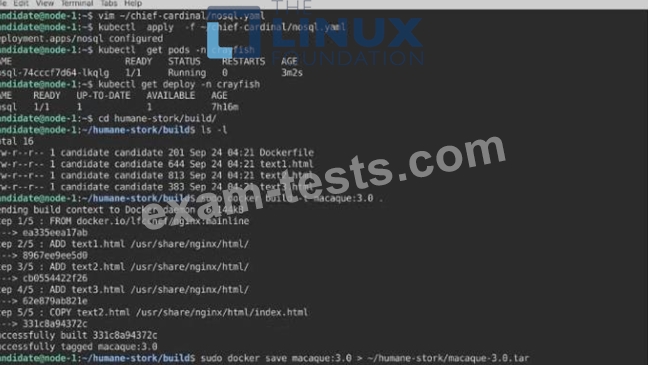
Question 30

Task:
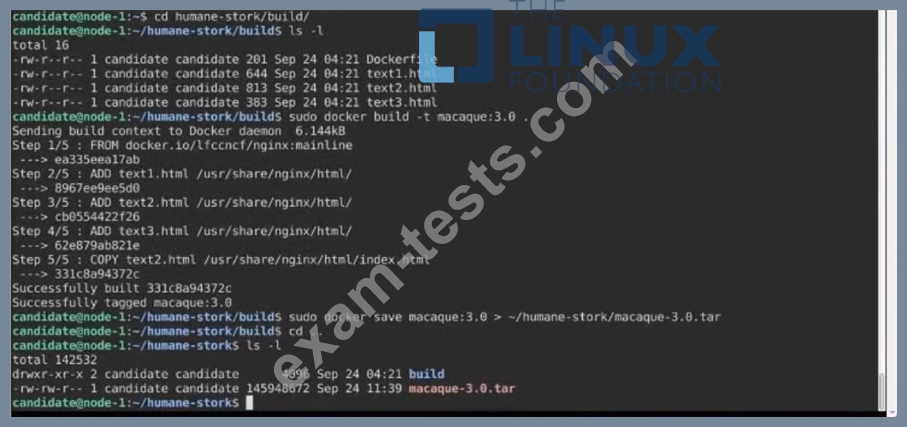
A Dockerfile has been prepared at -/human-stork/build/Dockerfile
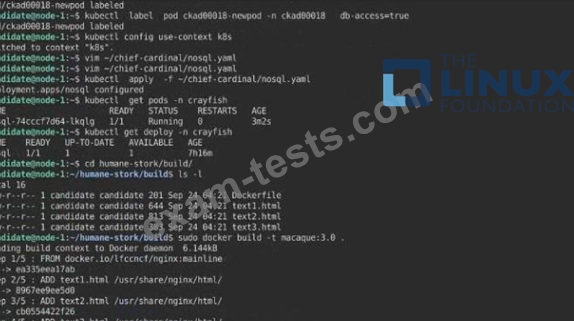
1) Using the prepared Dockerfile, build a container image with the name macque and lag 3.0. You may install and use the tool of your choice.
2) Using the tool of your choice export the built container image in OC-format and store it at -/human stork/macque 3.0 tar See the solution below.
Premium Bundle
Newest CKAD Exam PDF Dumps shared by BraindumpsPass.com for Helping Passing CKAD Exam! BraindumpsPass.com now offer the updated CKAD exam dumps, the BraindumpsPass.com CKAD exam questions have been updated and answers have been corrected get the latest BraindumpsPass.com CKAD pdf dumps with Exam Engine here: