

Question 1
You can switch the cluster/configuration context using the following command: [desk@cli] $ kubectl config use-context stage Context: A PodSecurityPolicy shall prevent the creation of privileged Pods in a specific namespace. Task: 1. Create a new PodSecurityPolcy named deny-policy, which prevents the creation of privileged Pods. 2. Create a new ClusterRole name deny-access-role, which uses the newly created PodSecurityPolicy deny-policy. 3. Create a new ServiceAccount named psd-denial-sa in the existing namespace development. Finally, create a new ClusterRoleBindind named restrict-access-bind, which binds the newly created ClusterRole deny-access-role to the newly created ServiceAccount psp-denial-sa
Question 2
Context
A CIS Benchmark tool was run against the kubeadm-created cluster and found multiple issues that must be addressed immediately.
Task
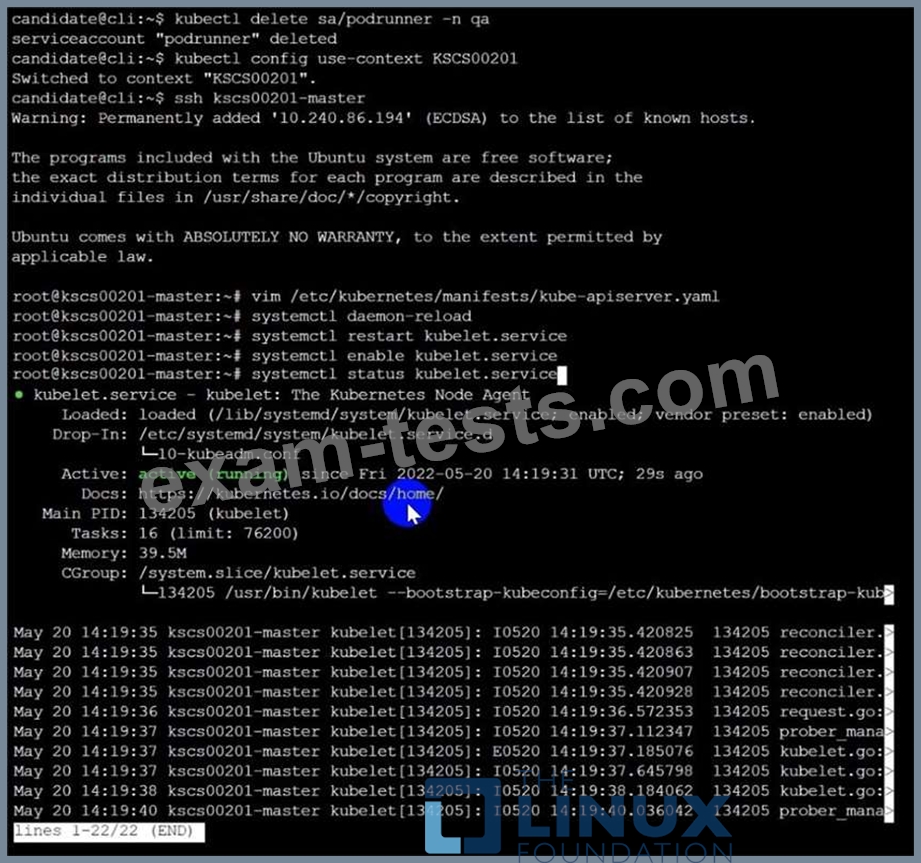
Fix all issues via configuration and restart the affected components to ensure the new settings take effect.
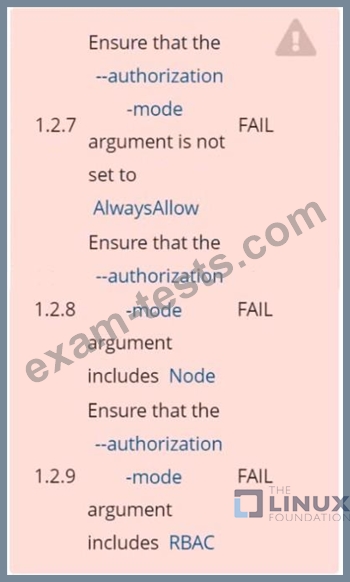
Fix all of the following violations that were found against the API server:
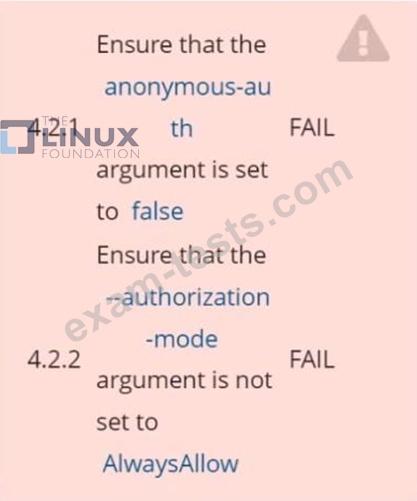
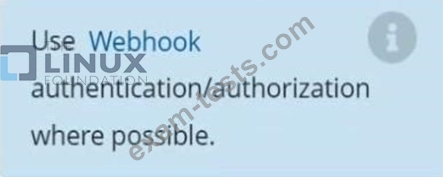
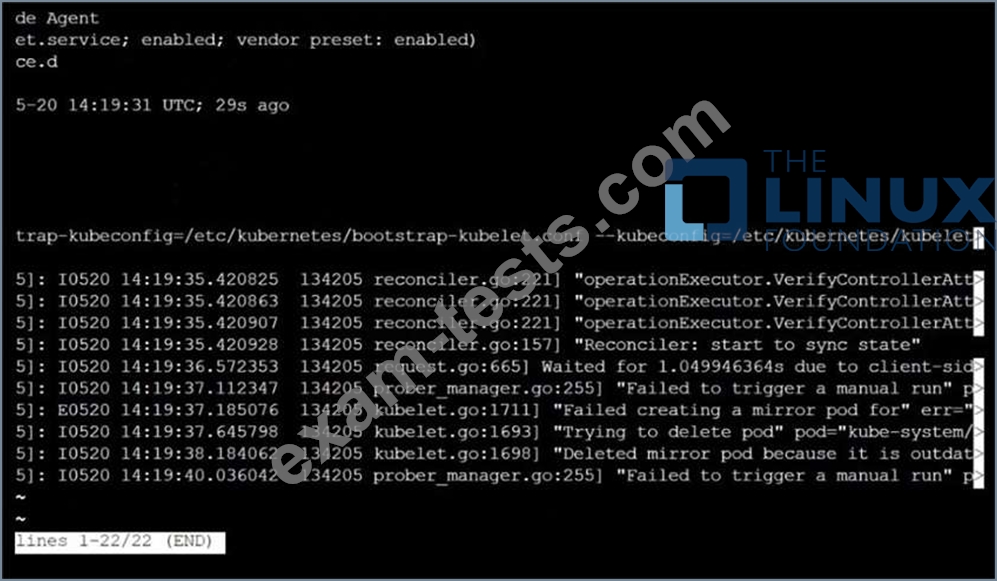
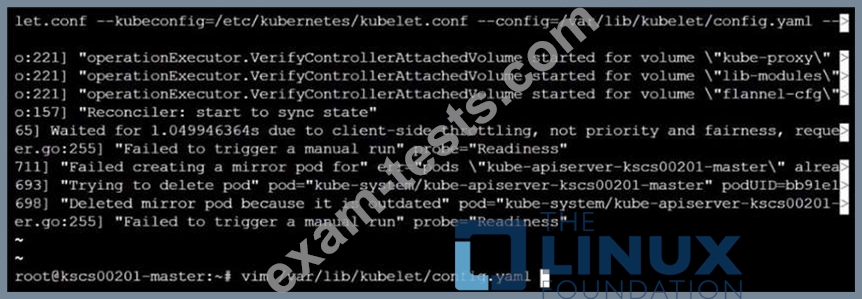
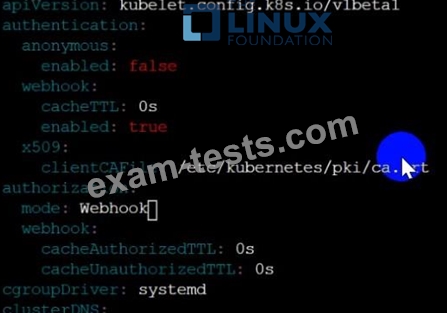
Fix all of the following violations that were found against the Kubelet:
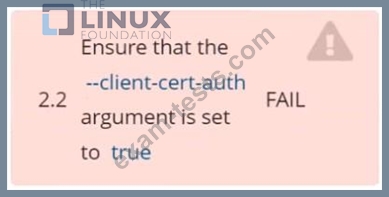
Fix all of the following violations that were found against etcd:
A CIS Benchmark tool was run against the kubeadm-created cluster and found multiple issues that must be addressed immediately.
Task
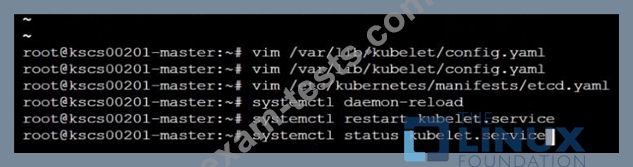
Fix all issues via configuration and restart the affected components to ensure the new settings take effect.
Fix all of the following violations that were found against the API server:
Fix all of the following violations that were found against the Kubelet:
Fix all of the following violations that were found against etcd:


Question 3
Task
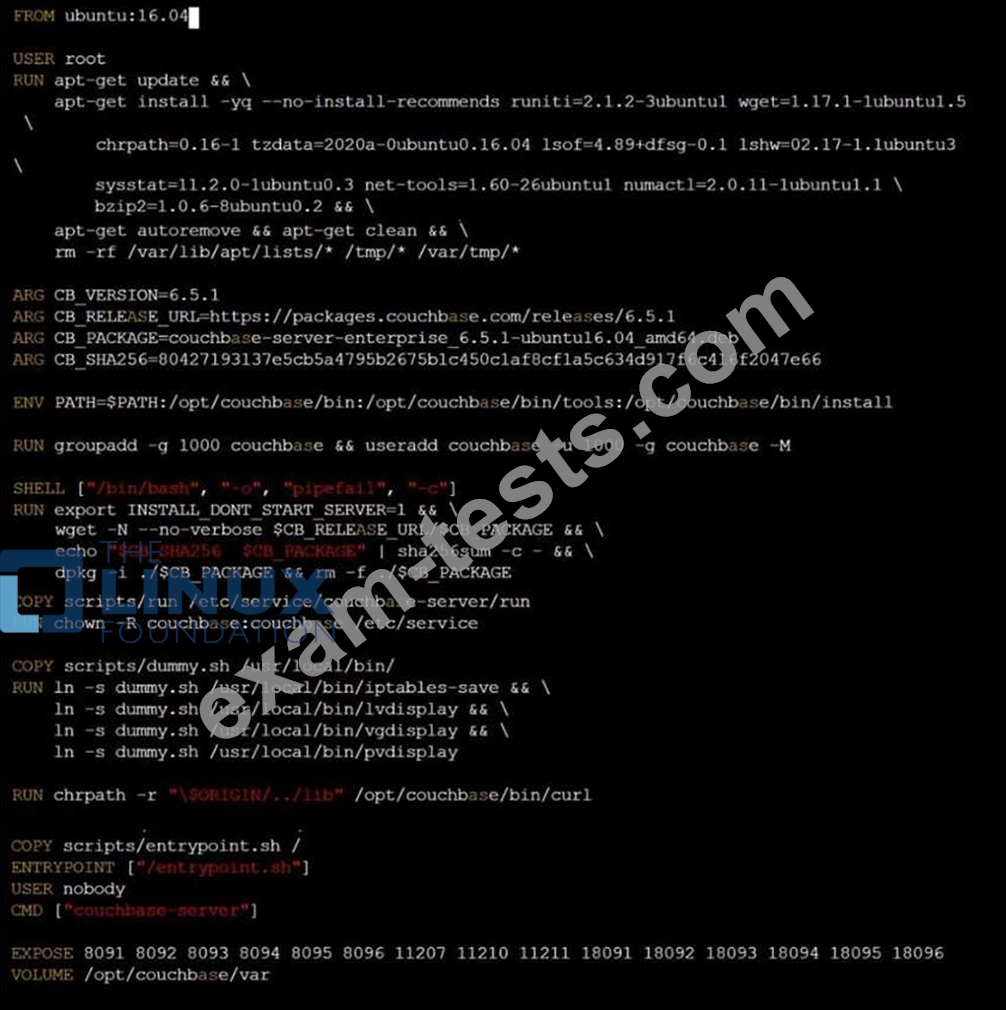
Analyze and edit the given Dockerfile /home/candidate/KSSC00301/Docker file (based on the ubuntu:16.04 image), fixing two instructions present in the file that are prominent security/best-practice issues.
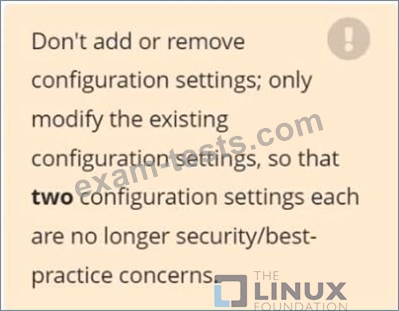
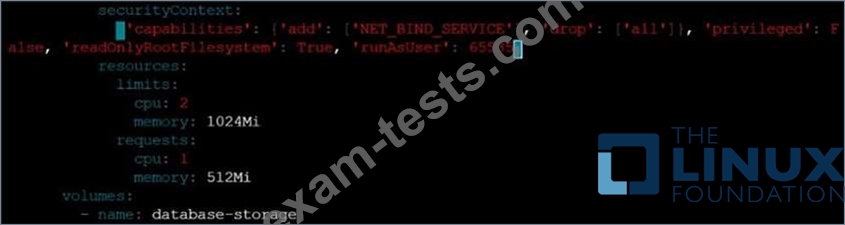
Analyze and edit the given manifest file /home/candidate/KSSC00301/deployment.yaml, fixing two fields present in the file that are prominent security/best-practice issues.
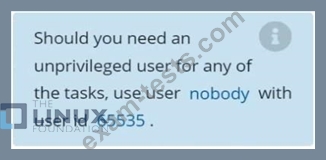
Analyze and edit the given Dockerfile /home/candidate/KSSC00301/Docker file (based on the ubuntu:16.04 image), fixing two instructions present in the file that are prominent security/best-practice issues.
Analyze and edit the given manifest file /home/candidate/KSSC00301/deployment.yaml, fixing two fields present in the file that are prominent security/best-practice issues.


Question 4
Context
A default-deny NetworkPolicy avoids to accidentally expose a Pod in a namespace that doesn't have any other NetworkPolicy defined.
Task
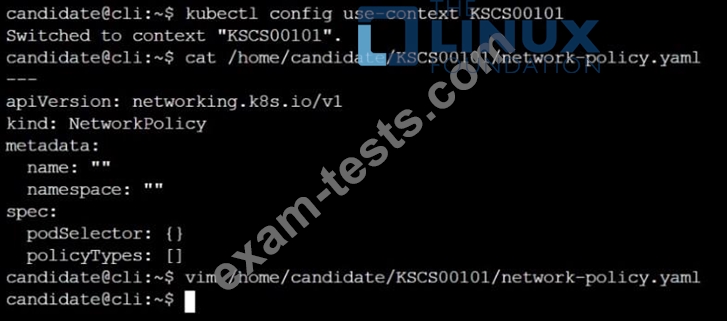
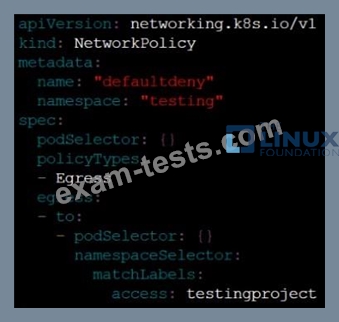
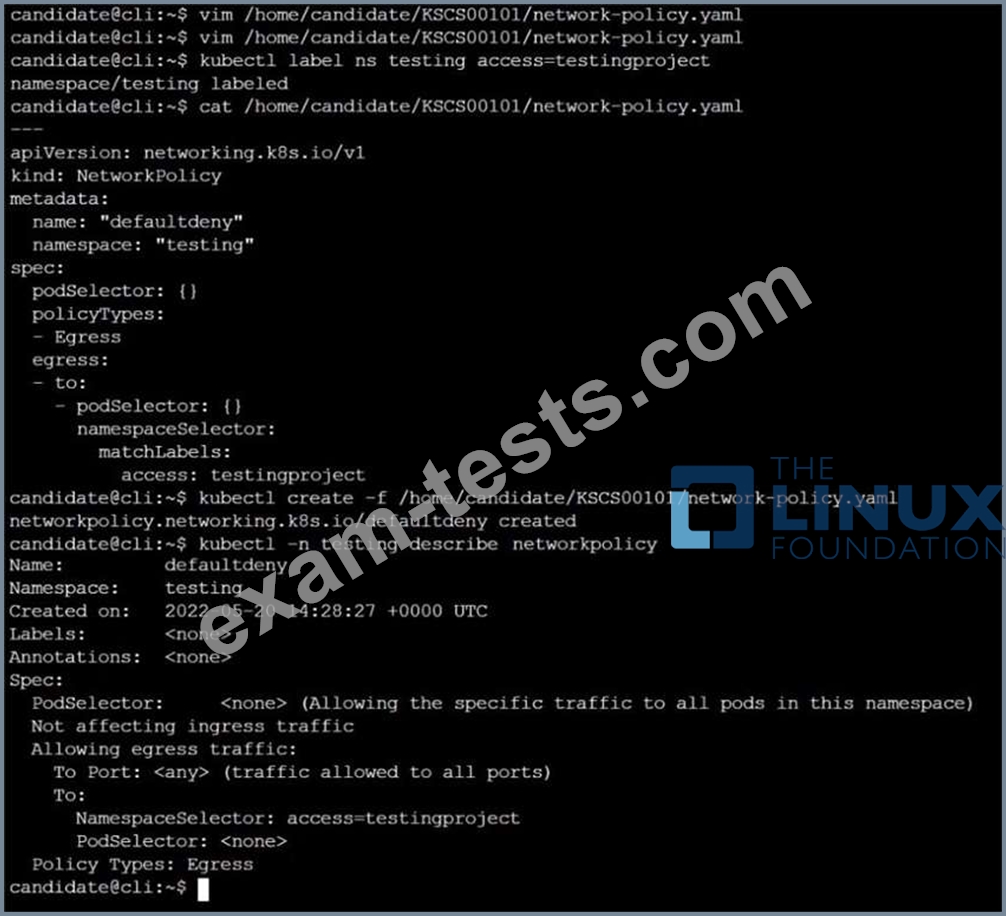
Create a new default-deny NetworkPolicy named defaultdeny in the namespace testing for all traffic of type Egress.
The new NetworkPolicy must deny all Egress traffic in the namespace testing.
Apply the newly created default-deny NetworkPolicy to all Pods running in namespace testing.

A default-deny NetworkPolicy avoids to accidentally expose a Pod in a namespace that doesn't have any other NetworkPolicy defined.
Task
Create a new default-deny NetworkPolicy named defaultdeny in the namespace testing for all traffic of type Egress.
The new NetworkPolicy must deny all Egress traffic in the namespace testing.
Apply the newly created default-deny NetworkPolicy to all Pods running in namespace testing.
Question 5
Analyze and edit the given Dockerfile
FROM ubuntu:latest
RUN apt-get update -y
RUN apt-install nginx -y
COPY entrypoint.sh /
ENTRYPOINT ["/entrypoint.sh"]
USER ROOT
Fixing two instructions present in the file being prominent security best practice issues Analyze and edit the deployment manifest file apiVersion: v1 kind: Pod metadata:
name: security-context-demo-2
spec:
securityContext:
runAsUser: 1000
containers:
- name: sec-ctx-demo-2
image: gcr.io/google-samples/node-hello:1.0
securityContext:
runAsUser: 0
privileged: True
allowPrivilegeEscalation: false
Fixing two fields present in the file being prominent security best practice issues Don't add or remove configuration settings; only modify the existing configuration settings Whenever you need an unprivileged user for any of the tasks, use user test-user with the user id 5487
FROM ubuntu:latest
RUN apt-get update -y
RUN apt-install nginx -y
COPY entrypoint.sh /
ENTRYPOINT ["/entrypoint.sh"]
USER ROOT
Fixing two instructions present in the file being prominent security best practice issues Analyze and edit the deployment manifest file apiVersion: v1 kind: Pod metadata:
name: security-context-demo-2
spec:
securityContext:
runAsUser: 1000
containers:
- name: sec-ctx-demo-2
image: gcr.io/google-samples/node-hello:1.0
securityContext:
runAsUser: 0
privileged: True
allowPrivilegeEscalation: false
Fixing two fields present in the file being prominent security best practice issues Don't add or remove configuration settings; only modify the existing configuration settings Whenever you need an unprivileged user for any of the tasks, use user test-user with the user id 5487