

Question 26
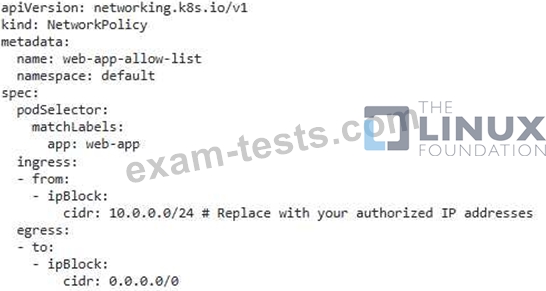
You have a Kubernetes cluster that hosts a web application using a Deployment. The Deployment's service exposes the application on port 80. You want to restrict access to the web application to only authorized IP addresses, while allowing access to the Kubernetes API server from any IP address.

Question 27
SIMULATION
Create a network policy named restrict-np to restrict to pod nginx-test running in namespace testing.
Only allow the following Pods to connect to Pod nginx-test:-
1. pods in the namespace default
2. pods with label version:v1 in any namespace.
Make sure to apply the network policy.
Create a network policy named restrict-np to restrict to pod nginx-test running in namespace testing.
Only allow the following Pods to connect to Pod nginx-test:-
1. pods in the namespace default
2. pods with label version:v1 in any namespace.
Make sure to apply the network policy.
Question 28
You can switch the cluster/configuration context using the following command: [desk@cli] $ kubectl config use-context stage Context: A PodSecurityPolicy shall prevent the creation of privileged Pods in a specific namespace. Task: 1. Create a new PodSecurityPolcy named deny-policy, which prevents the creation of privileged Pods. 2. Create a new ClusterRole name deny-access-role, which uses the newly created PodSecurityPolicy deny-policy. 3. Create a new ServiceAccount named psd-denial-sa in the existing namespace development. Finally, create a new ClusterRoleBindind named restrict-access-bind, which binds the newly created ClusterRole deny-access-role to the newly created ServiceAccount psp-denial-sa
Question 29
SIMULATION
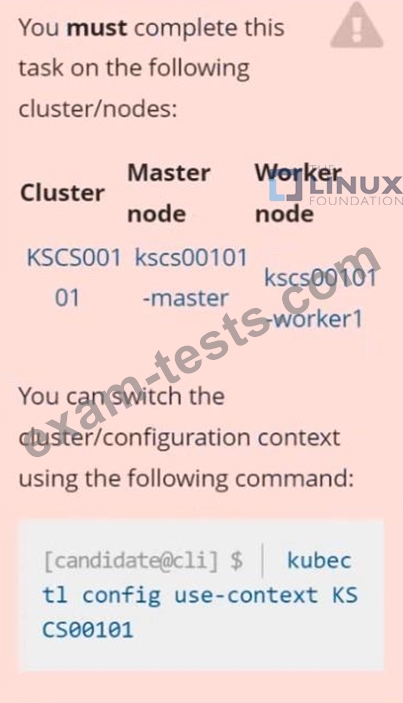
Context
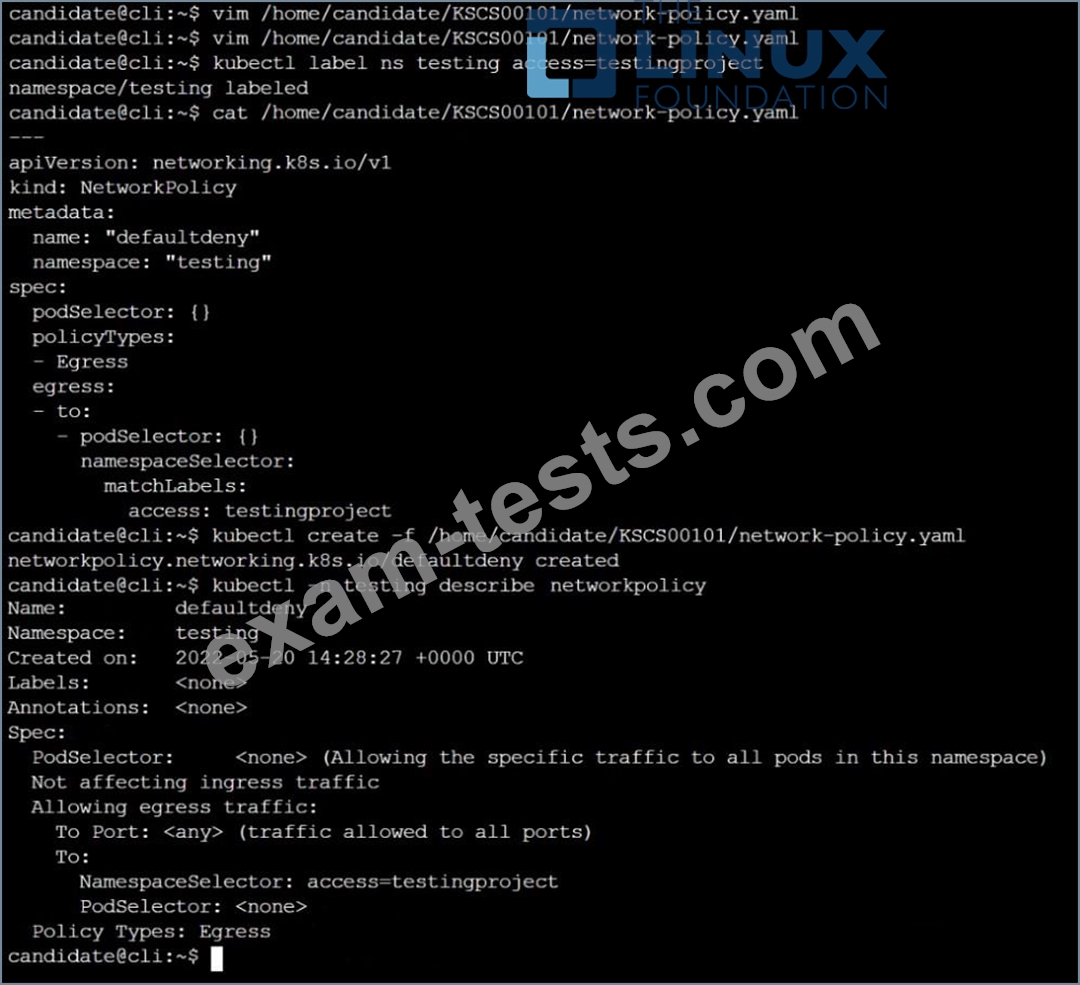
A default-deny NetworkPolicy avoids to accidentally expose a Pod in a namespace that doesn't have any other NetworkPolicy defined.
Task
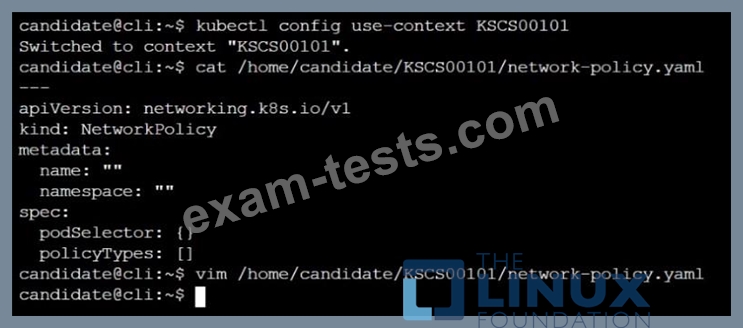
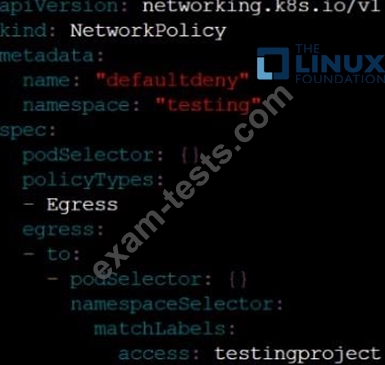
Create a new default-deny NetworkPolicy named defaultdeny in the namespace testing for all traffic of type Egress.
The new NetworkPolicy must deny all Egress traffic in the namespace testing.
Apply the newly created default-deny NetworkPolicy to all Pods running in namespace testing.

Context
A default-deny NetworkPolicy avoids to accidentally expose a Pod in a namespace that doesn't have any other NetworkPolicy defined.
Task
Create a new default-deny NetworkPolicy named defaultdeny in the namespace testing for all traffic of type Egress.
The new NetworkPolicy must deny all Egress traffic in the namespace testing.
Apply the newly created default-deny NetworkPolicy to all Pods running in namespace testing.
Question 30
SIMULATION
Documentation Deployment, Pod, Namespace
You must connect to the correct host . Failure to do so may result in a zero score.
[candidate@base] $ ssh cks000028
Context
You must update an existing Pod to ensure the immutability of its containers.
Task
Modify the existing Deployment named lamp-deployment, running in namespace lamp, so that its containers:
. run with user ID 20000
. use a read-only root filesystem
. forbid privilege escalation
The Deployment's manifest file con be found at /home/candidate/finer-sunbeam/lamp-deployment.yaml.
Documentation Deployment, Pod, Namespace
You must connect to the correct host . Failure to do so may result in a zero score.
[candidate@base] $ ssh cks000028
Context
You must update an existing Pod to ensure the immutability of its containers.
Task
Modify the existing Deployment named lamp-deployment, running in namespace lamp, so that its containers:
. run with user ID 20000
. use a read-only root filesystem
. forbid privilege escalation
The Deployment's manifest file con be found at /home/candidate/finer-sunbeam/lamp-deployment.yaml.