

Question 11
You have a Kubernetes deployment tnat uses a ConfigMap to provide configuration settings to your application. You need to update tne ConfigMap with new settings without restarting the deployment.

Question 12

Task:
Create a Deployment named expose in the existing ckad00014 namespace running 6 replicas of a Pod. Specify a single container using the ifccncf/nginx: 1.13.7 image Add an environment variable named NGINX_PORT with the value 8001 to the container then expose port
8001


Question 13
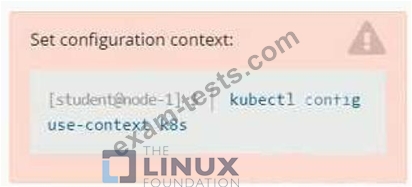
Context
You are tasked to create a secret and consume the secret in a pod using environment variables as follow:
Task
* Create a secret named another-secret with a key/value pair; key1/value4
* Start an nginx pod named nginx-secret using container image nginx, and add an environment variable exposing the value of the secret key key 1, using COOL_VARIABLE as the name for the environment variable inside the pod See the solution below.


Question 14
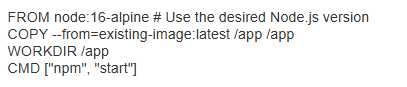
You have a Deployment running a web application built With a Node.js container. The application currently uses an older version of the Node.js runtime, and you need to upgrade to a newer versiom Describe the steps involved in modifying the container image to include the new Node.js runtime without rebuilding the entire application.

Question 15
Context
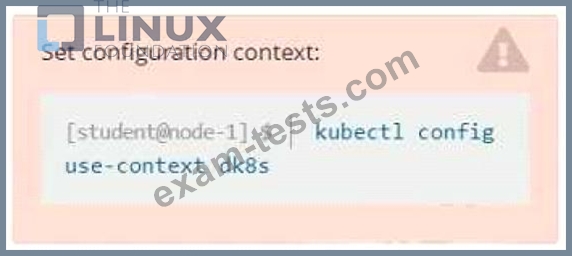
Context
A user has reported an aopticauon is unteachable due to a failing livenessProbe .
Task
Perform the following tasks:
* Find the broken pod and store its name and namespace to /opt/KDOB00401/broken.txt in the format:

The output file has already been created
* Store the associated error events to a file /opt/KDOB00401/error.txt, The output file has already been created. You will need to use the -o wide output specifier with your command
* Fix the issue.
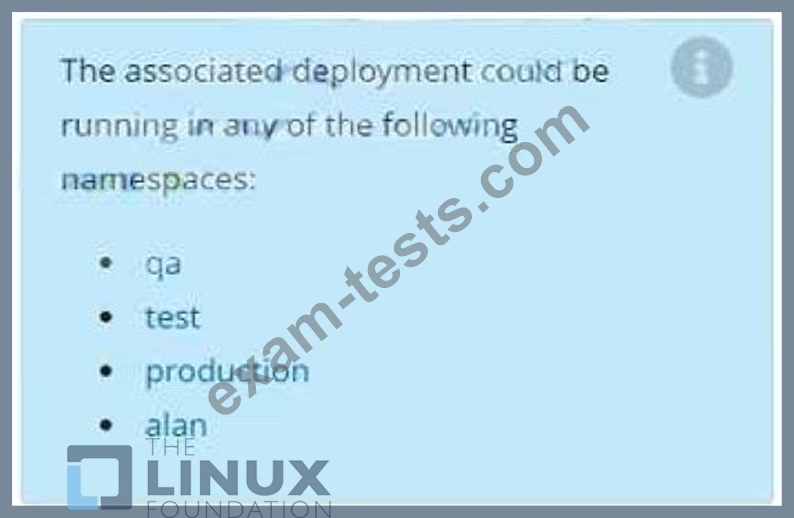
Context
A user has reported an aopticauon is unteachable due to a failing livenessProbe .
Task
Perform the following tasks:
* Find the broken pod and store its name and namespace to /opt/KDOB00401/broken.txt in the format:
The output file has already been created
* Store the associated error events to a file /opt/KDOB00401/error.txt, The output file has already been created. You will need to use the -o wide output specifier with your command
* Fix the issue.