

Question 16
You are working on a Kubernetes application that requires ephemeral storage. The application data needs to be stored within the pod's container and should be deleted when the pod is deleted. How can you achieve this using ephemeral storage in Kubernetes?

Question 17
Context

Task:
A Dockerfile has been prepared at -/human-stork/build/Dockerfile
1) Using the prepared Dockerfile, build a container image with the name macque and lag 3.0. You may install and use the tool of your choice.
2) Using the tool of your choice export the built container image in OC-format and store it at -/human stork/macque 3.0 tar
Task:
A Dockerfile has been prepared at -/human-stork/build/Dockerfile
1) Using the prepared Dockerfile, build a container image with the name macque and lag 3.0. You may install and use the tool of your choice.
2) Using the tool of your choice export the built container image in OC-format and store it at -/human stork/macque 3.0 tar

Question 18
You have a Kubernetes cluster with a Deployment named 'my-app' running a simple web application. The 'my-app' Deployment is configured to use a ServiceAccount named 'my-app-sa' _ You want to ensure that only authorized users with specific permissions can access the 'my-app' pod's logs. How would you implement this using Role-Based Access Control (RBAC)?


Question 19
Exhibit:

Context
You sometimes need to observe a pod's logs, and write those logs to a file for further analysis.
Task
Please complete the following;
* Deploy the counter pod to the cluster using the provided YAMLspec file at /opt/KDOB00201/counter.yaml
* Retrieve all currently available application logs from the running pod and store them in the file /opt/KDOB0020l/log_Output.txt, which has already been created
Context
You sometimes need to observe a pod's logs, and write those logs to a file for further analysis.
Task
Please complete the following;
* Deploy the counter pod to the cluster using the provided YAMLspec file at /opt/KDOB00201/counter.yaml
* Retrieve all currently available application logs from the running pod and store them in the file /opt/KDOB0020l/log_Output.txt, which has already been created
Question 20

Task:
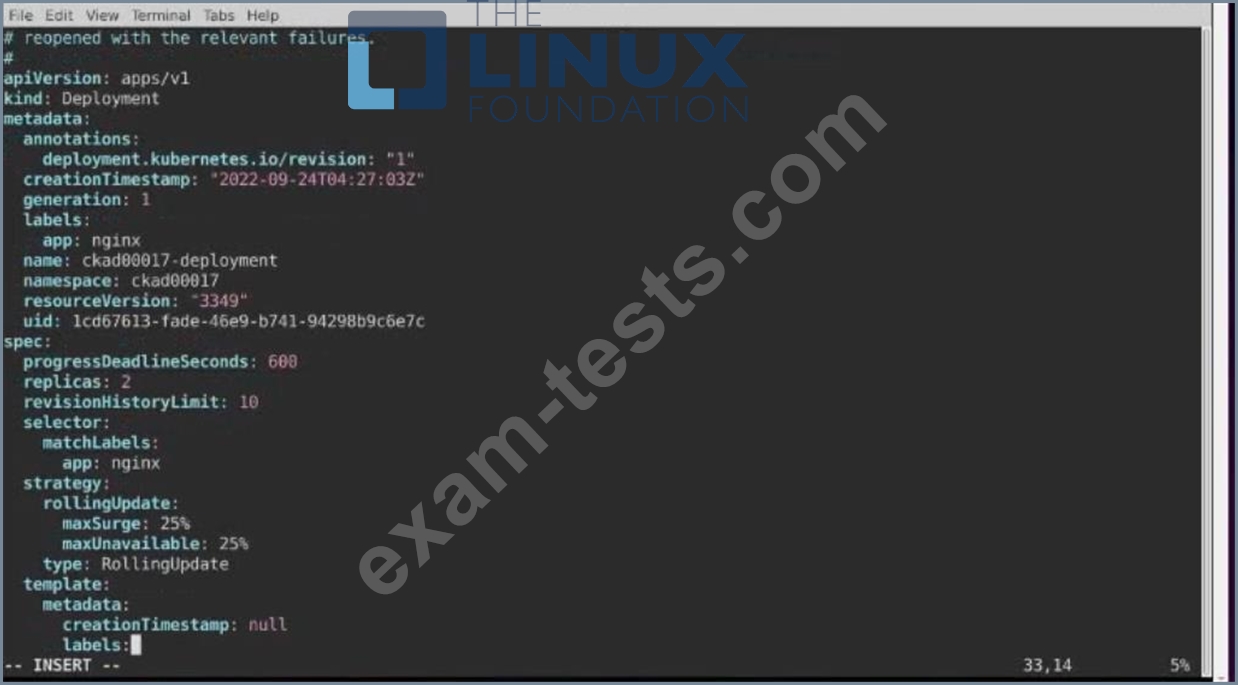
1) First update the Deployment cka00017-deployment in the ckad00017 namespace:
Role userUI
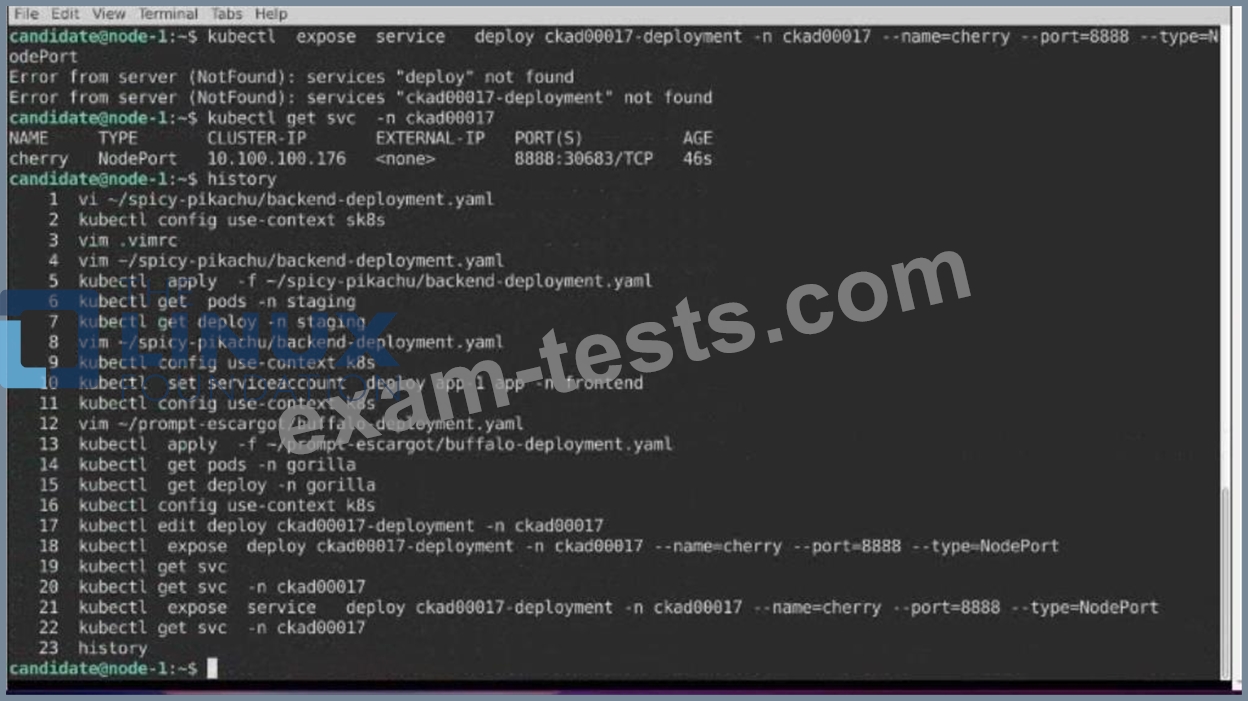
2) Next, Create a NodePort Service named cherry in the ckad00017 nmespace exposing the ckad00017-deployment Deployment on TCP port 8888 See the solution below.


Premium Bundle
Newest CKAD Exam PDF Dumps shared by BraindumpsPass.com for Helping Passing CKAD Exam! BraindumpsPass.com now offer the updated CKAD exam dumps, the BraindumpsPass.com CKAD exam questions have been updated and answers have been corrected get the latest BraindumpsPass.com CKAD pdf dumps with Exam Engine here: