Question 106
You are building a Kubernetes application that involves a microservice architecture with multiple pods for each service. One of your services requires a sidecar container to handle logging and monitoring. How would you design the pod structure and define the relationships between the application container and the sidecar container?

Question 107

Task:
The pod for the Deployment named nosql in the craytisn namespace fails to start because its container runs out of resources.
Update the nosol Deployment so that the Pod:
1) Request 160M of memory for its Container
2) Limits the memory to half the maximum memory constraint set for the crayfah name space.


Question 108
You are building a web application with two microservices: a frontend service ('frontend') and a backend service ( ' backend'). The frontend service requires access to the backend service, which iS exposed on port 8080 within the Kubernetes cluster. How would you configure an Ingress resource to direct traffic to the correct service based on the hostname, ensuring that the frontend service can access the backend service internally without exposing the backend service to the public internet?


Question 109
You need to design a mufti-container Pod that includes a main application container and a sidecar container- The sidecar container should periodically check the health of the main application container using a health Check mechanism. If tne main application container iS unhealthy, the sidecar container should take corrective actions like restarting the main container or sending an alert. Explain how you can accomplish this using a sidecar container and health check probes.


Question 110
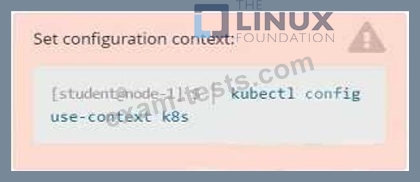
Refer to Exhibit.
Task
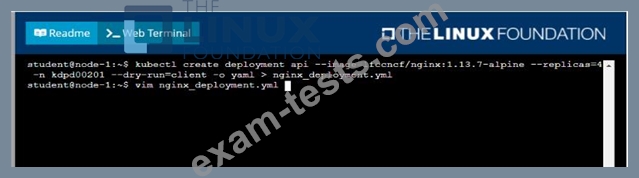
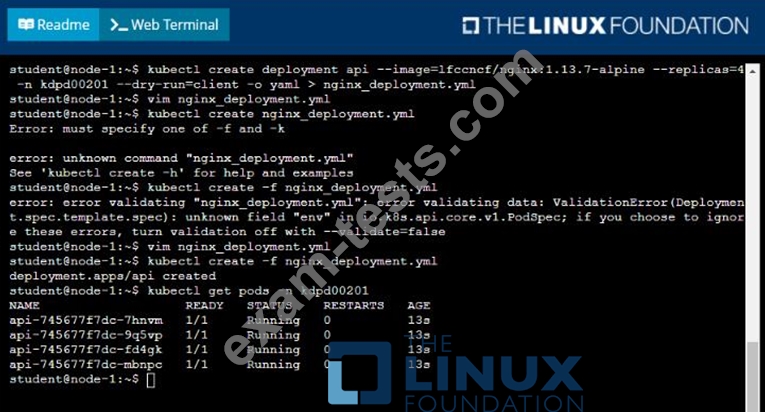
Create a new deployment for running.nginx with the following parameters;
* Run the deployment in the kdpd00201 namespace. The namespace has already been created
* Name the deployment frontend and configure with 4 replicas
* Configure the pod with a container image of lfccncf/nginx:1.13.7
* Set an environment variable of NGINX__PORT=8080 and also expose that port for the container above
Task
Create a new deployment for running.nginx with the following parameters;
* Run the deployment in the kdpd00201 namespace. The namespace has already been created
* Name the deployment frontend and configure with 4 replicas
* Configure the pod with a container image of lfccncf/nginx:1.13.7
* Set an environment variable of NGINX__PORT=8080 and also expose that port for the container above