

Question 36
You are building a container image for a Python application that requires several external libraries. You want to ensure that the image is as small as possible while still containing all necessary dependencies. What strategy should you use to optimize the image size? Explain your approach and provide a code example.

Question 37
You nave a multi-container pod tnat uses a database container and an application container. The database container is responsible for storing sensitive datm You need to ensure that the database container only runs on nodes that have a specific label, like 'sensitive-data=true', for added security. How would you implement this constraint using Pod Affinity and node selectors?


Question 38
Context
Anytime a team needs to run a container on Kubernetes they will need to define a pod within which to run the container.
Task
Please complete the following:
* Create a YAML formatted pod manifest
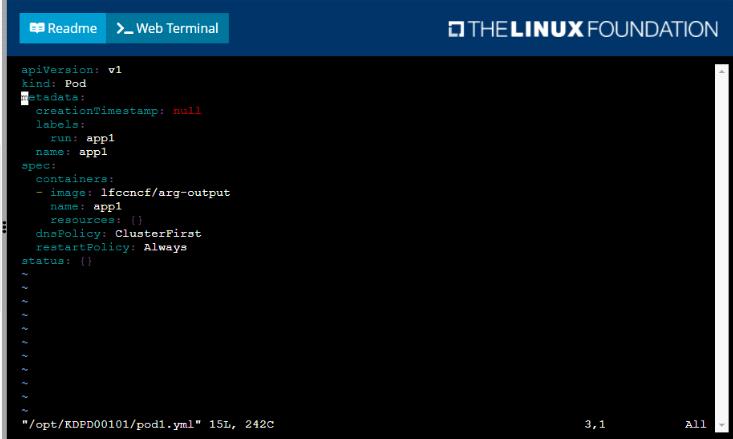
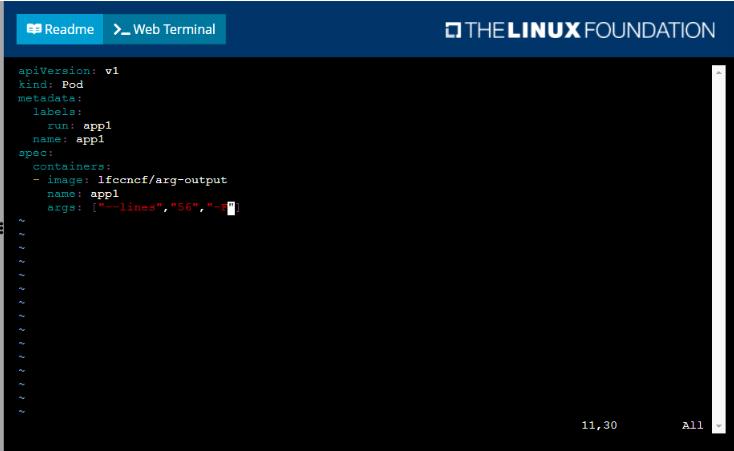
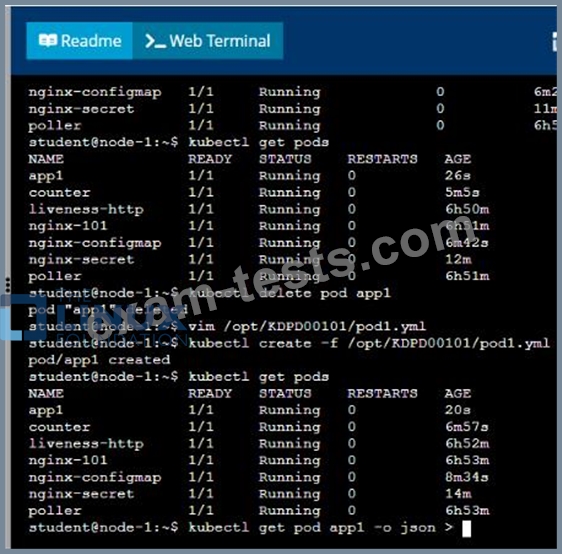
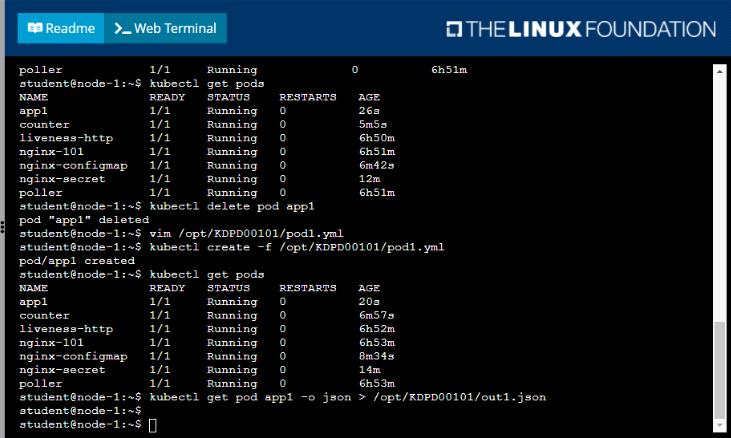
/opt/KDPD00101/podl.yml to create a pod named app1 that runs a container named app1cont using image Ifccncf/arg-output with these command line arguments: -lines 56 -F
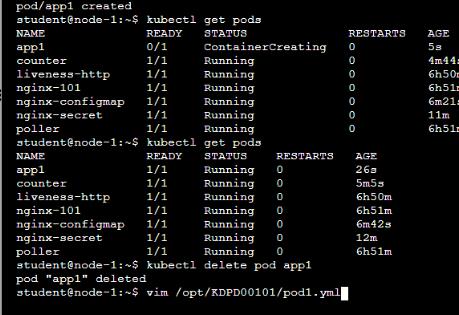
* Create the pod with the kubect1 command using the YAML file created in the previous step
* When the pod is running display summary data about the pod in JSON format using the kubect1 command and redirect the output to a file named /opt/KDPD00101/out1.json
* All of the files you need to work with have been created, empty, for your convenience
Anytime a team needs to run a container on Kubernetes they will need to define a pod within which to run the container.
Task
Please complete the following:
* Create a YAML formatted pod manifest
/opt/KDPD00101/podl.yml to create a pod named app1 that runs a container named app1cont using image Ifccncf/arg-output with these command line arguments: -lines 56 -F
* Create the pod with the kubect1 command using the YAML file created in the previous step
* When the pod is running display summary data about the pod in JSON format using the kubect1 command and redirect the output to a file named /opt/KDPD00101/out1.json
* All of the files you need to work with have been created, empty, for your convenience

Question 39
You have a Deployment named 'my-app-deployment' running a Flask application. You need to configure a rolling update strategy with a maximum of one pod unavailable at any time. You also want to trigger an automatic update whenever a new image is pushed to the Docker Hub repository. Additionally, you want to analyze the application logs during the update process to ensure everything is working smoothly. How would you achieve this?

Question 40

Context
As a Kubernetes application developer you will often find yourself needing to update a running application.
Task
Please complete the following:
* Update the app deployment in the kdpd00202 namespace with a maxSurge of 5% and a maxUnavailable of 2%
* Perform a rolling update of the web1 deployment, changing the Ifccncf/ngmx image version to 1.13
* Roll back the app deployment to the previous version


